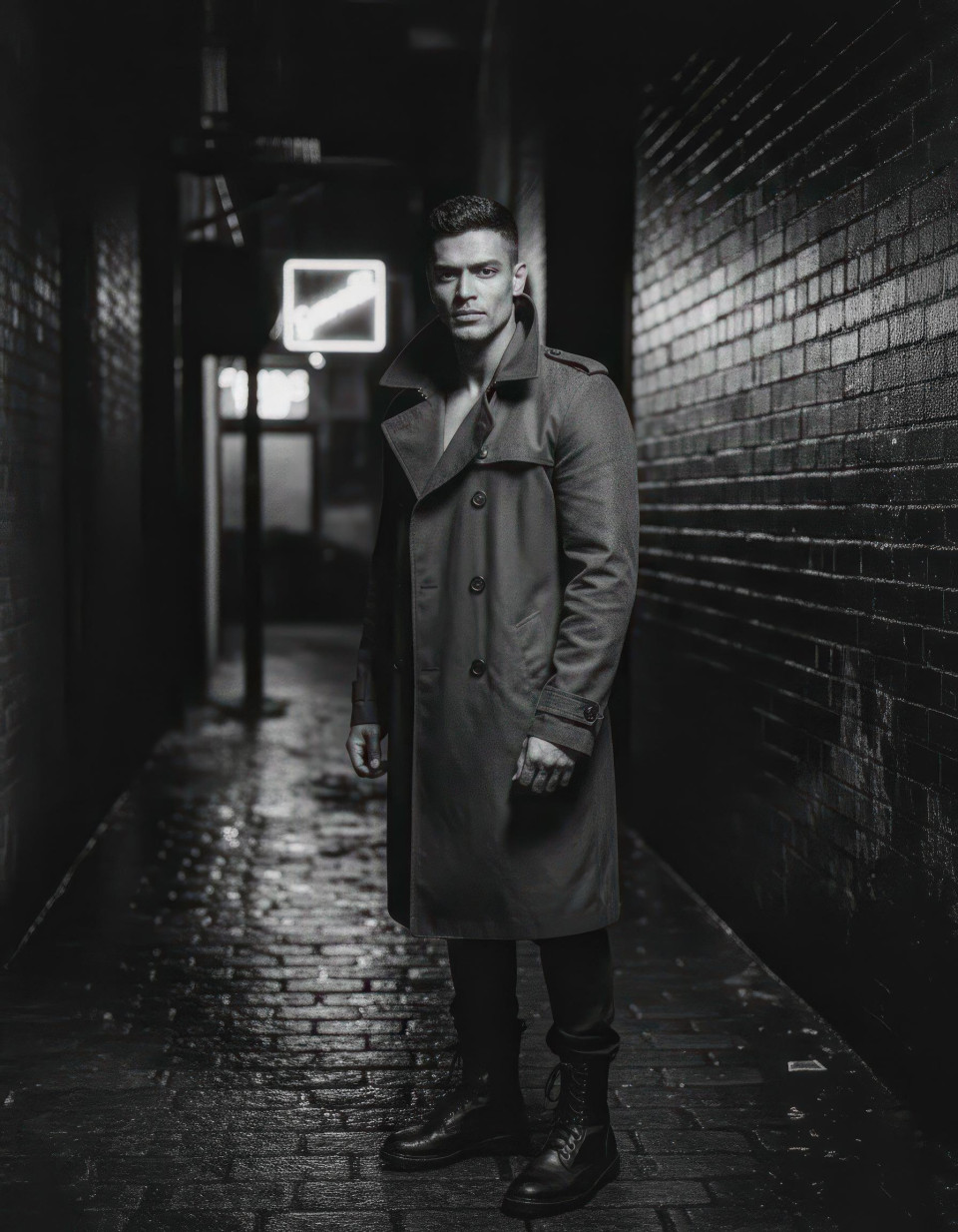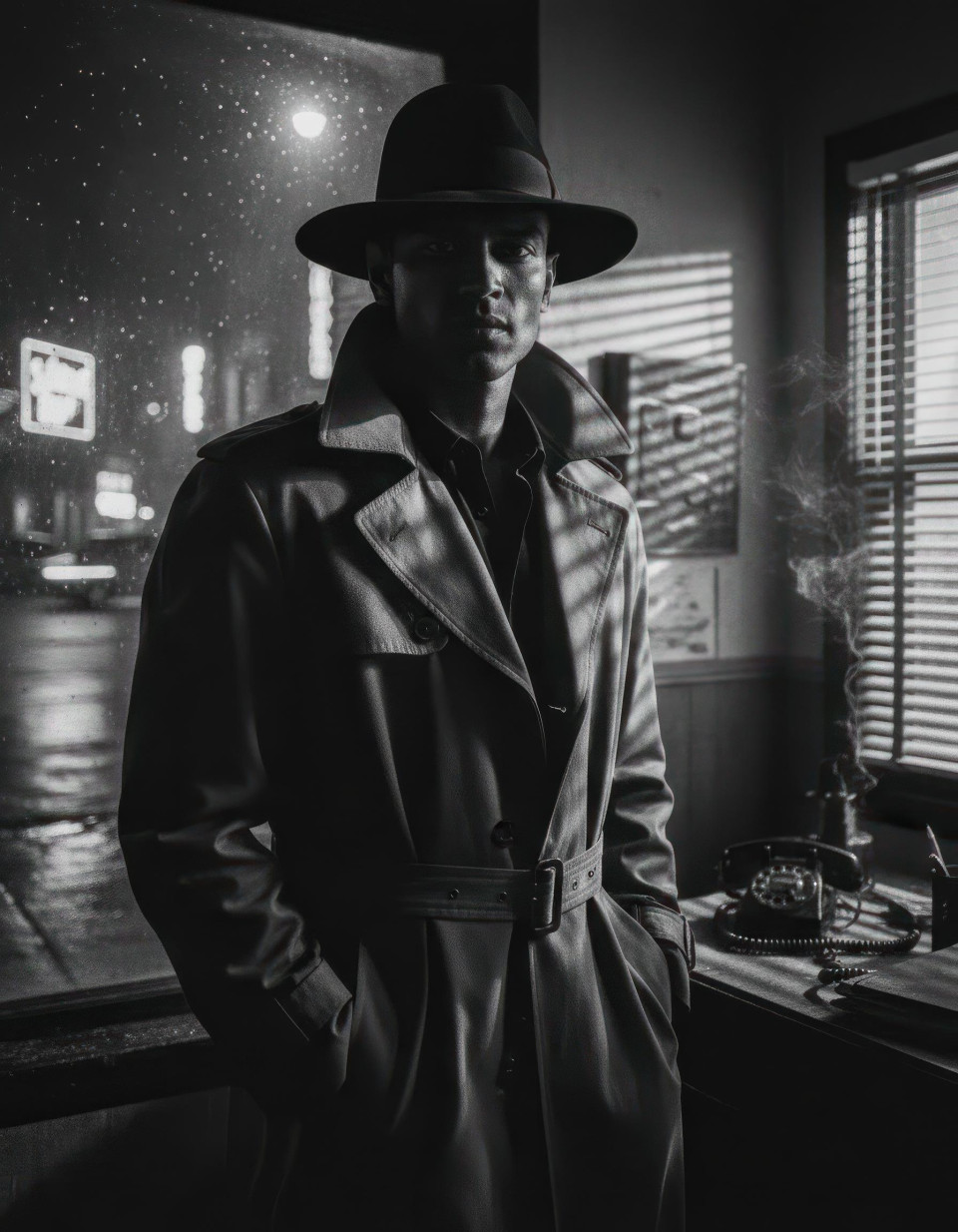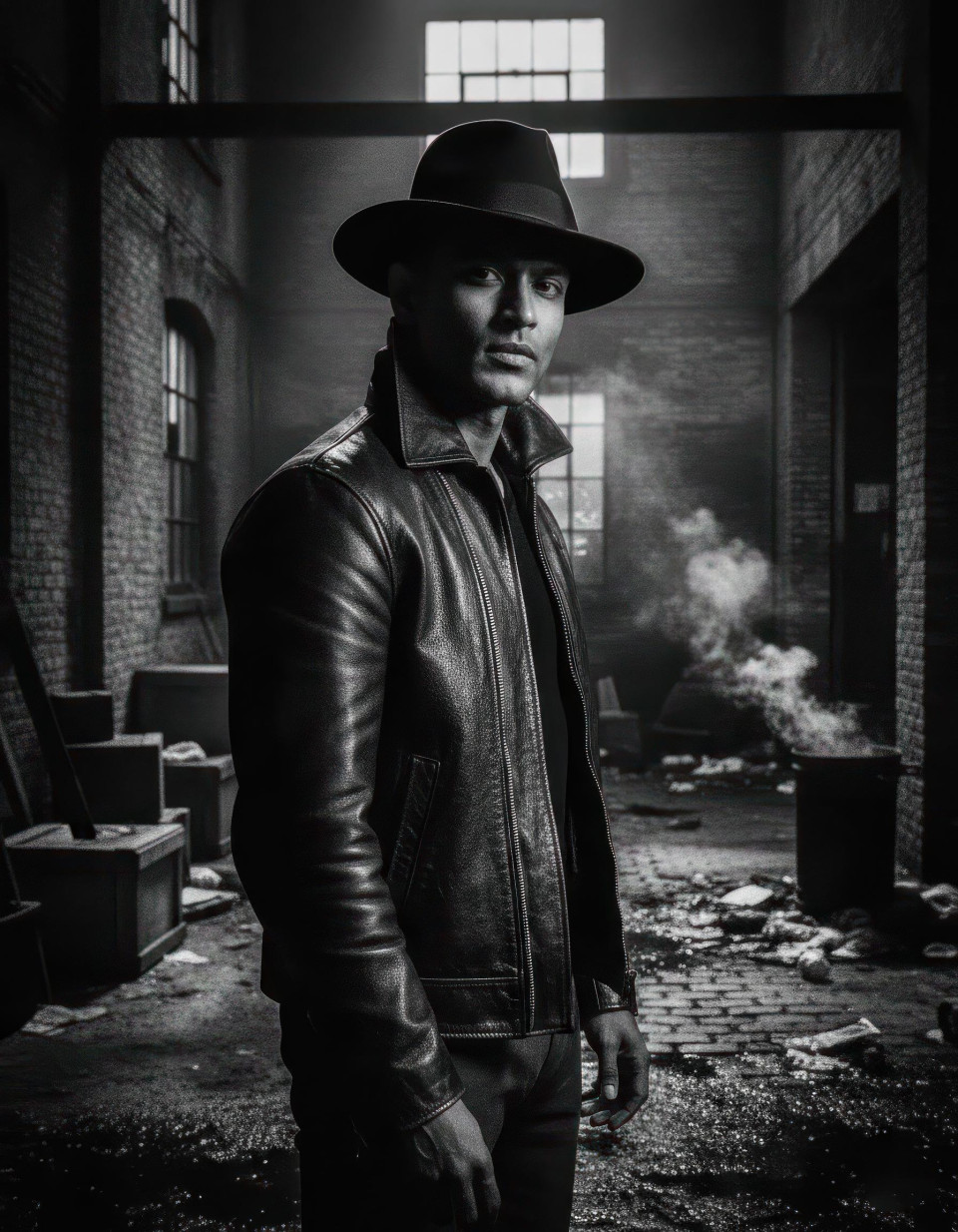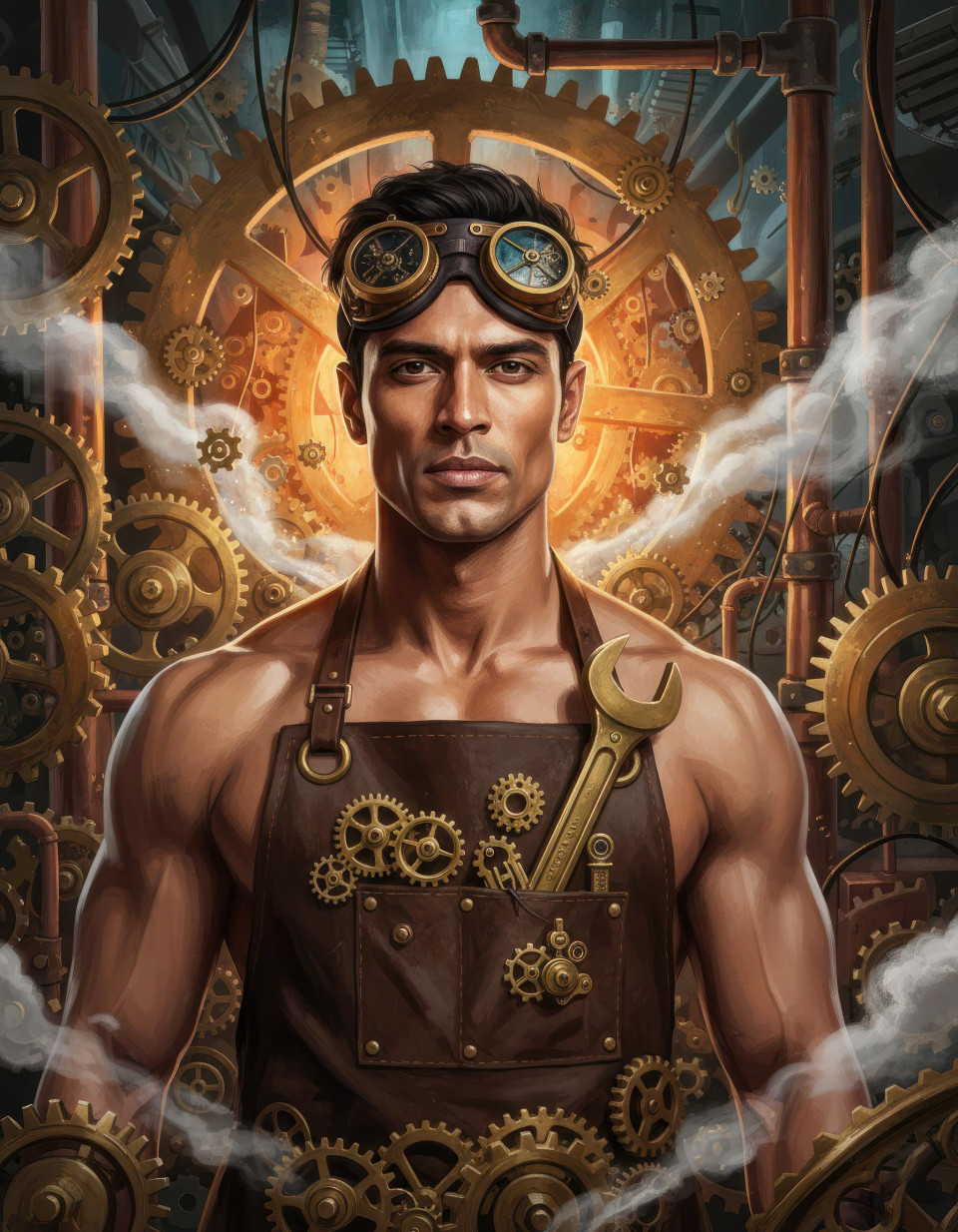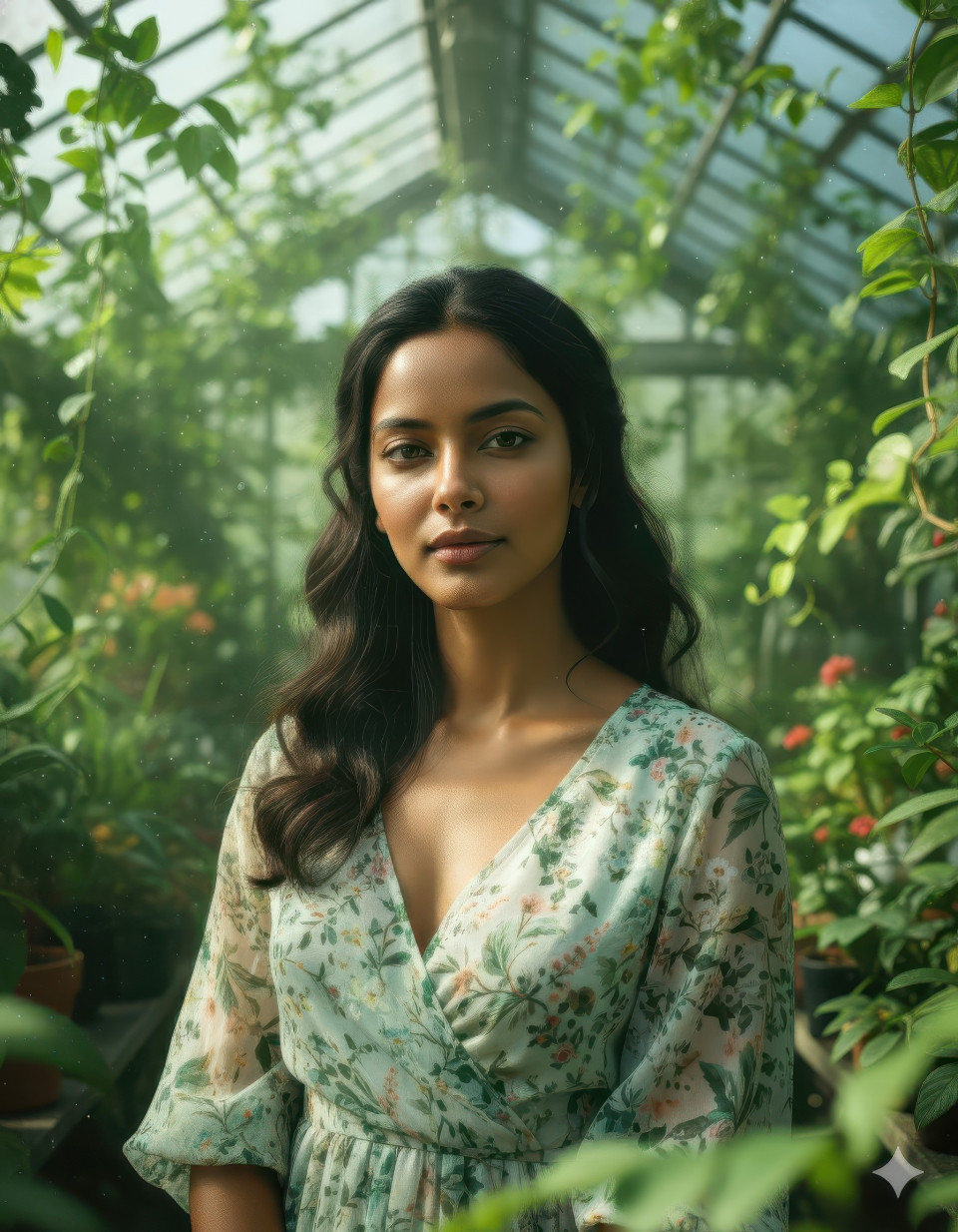
Turn Ordinary Photos Into Fantasy Art Using Google Gemini
Turn ordinary photos into fantasy art using Google Gemini. This prompt also works with ChatGPT, Midjourney, and other AI image generators.
Get Started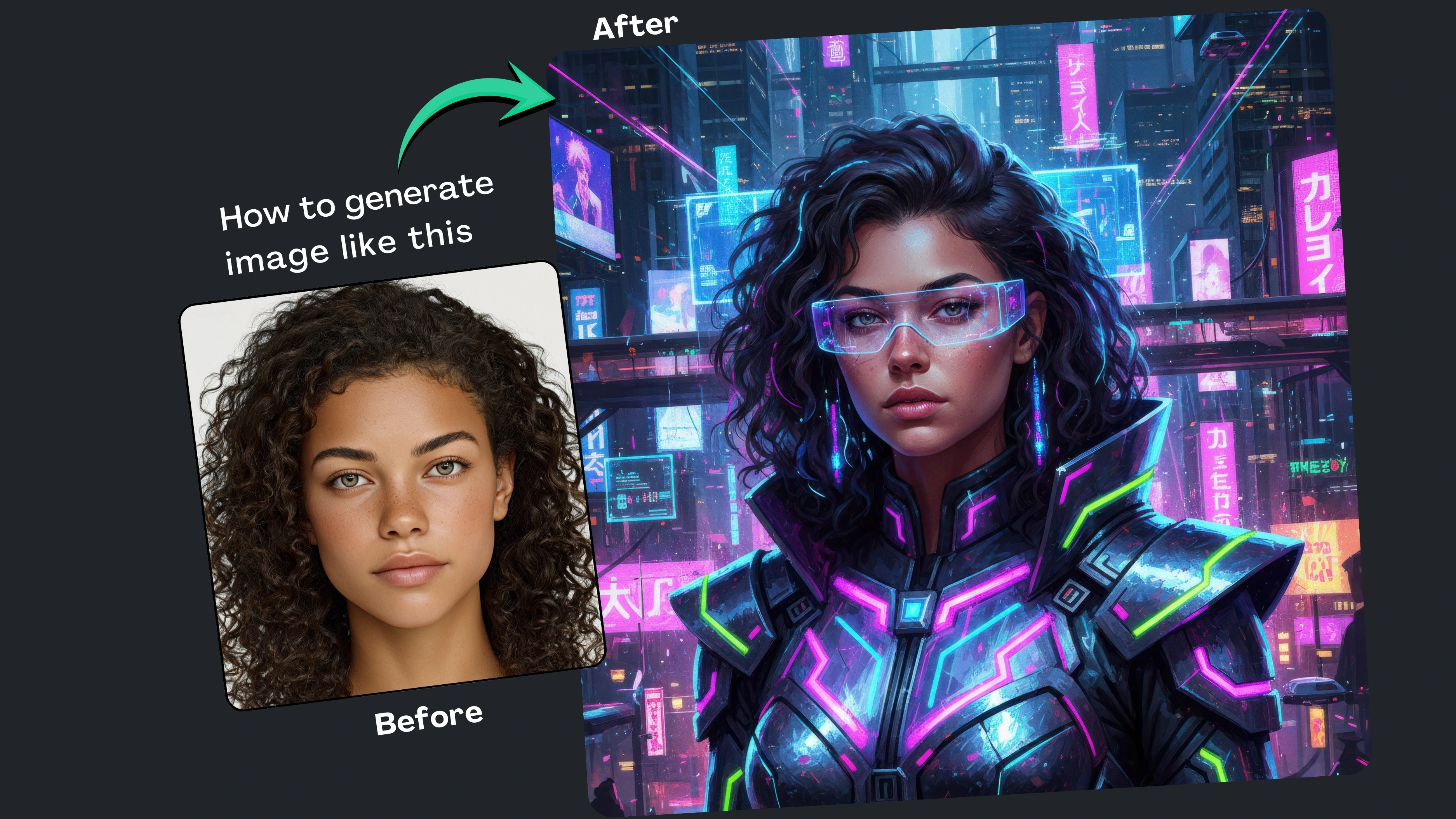


How It Works
Browse Prompts
Explore a wide collection of AI prompts curated by our experts. Find the perfect prompt that matches your vision.
Copy Prompts
Choose from ready-to-use AI prompts. Simply copy them with a click and get started without guesswork.
Create Stunning Design or Art
Paste the prompt into your favorite AI image generator (Midjourney, Google Gemini, ChatGPT Image, Stable Diffusion) and watch your ideas transform.
More Useful Examples for Turn Ordinary Photos Into Fantasy Art Using Google Gemini
Ice Queen Fantasy Portrait Art
Steampunk Aviator Character Portrait
Ancient Goddess Temple Portrait
Ethereal Angelic Portrait Art
Post-Apocalyptic Survivor Queen Art
Mystic Witch Forest Portrait
Royal Chinese Mythology Empress Art
Cybernetic AI Goddess Portrait
Medieval Queen Castle Portrait
Floral Spring Spirit Portrait Art
Lava Empress Volcanic Fantasy Portrait
Moon Priestess Celestial Art Portrait
Art Nouveau Muse Portrait Illustration
Jungle Warrior Huntress Fantasy Art
Cosmic Oracle Surreal Portrait
-
Most people love the idea of fantasy-style portraits think cinematic lighting, surreal worlds, or painterly realism but all they have are everyday photos taken on a phone. That gap between imagination and reality is exactly where AI image generation shines. With Google Gemini, you can transform standard photos into stunning artistic portraits while still preserving the subject’s likeness. Even better, this isn’t just a simple prompt it comes with a built-in prompt builder that makes customization easy. And yes, the same structure works seamlessly with ChatGPT, Midjourney, and other popular AI image generation tools.
Why Use This Prompt and Built-In Prompt Builder
The biggest challenge with AI art is getting consistent, high-quality results without endless trial and error. This prompt framework solves that by guiding you through key creative choices style, mood, costume, and environment so you’re never starting from scratch. The built-in prompt builder helps users mix and match elements quickly, making it beginner-friendly while still powerful enough for advanced creators. Whether you want fantasy realism, cyberpunk vibes, or surreal art, this structured approach keeps results polished and intentional across Google Gemini and other AI tools.
How to Use the Prompt
[Person]
This defines who the portrait is based on, such as a woman, man, or teenager. It helps the AI maintain realistic proportions and facial structure while preserving likeness from the original photo.[Art Style]
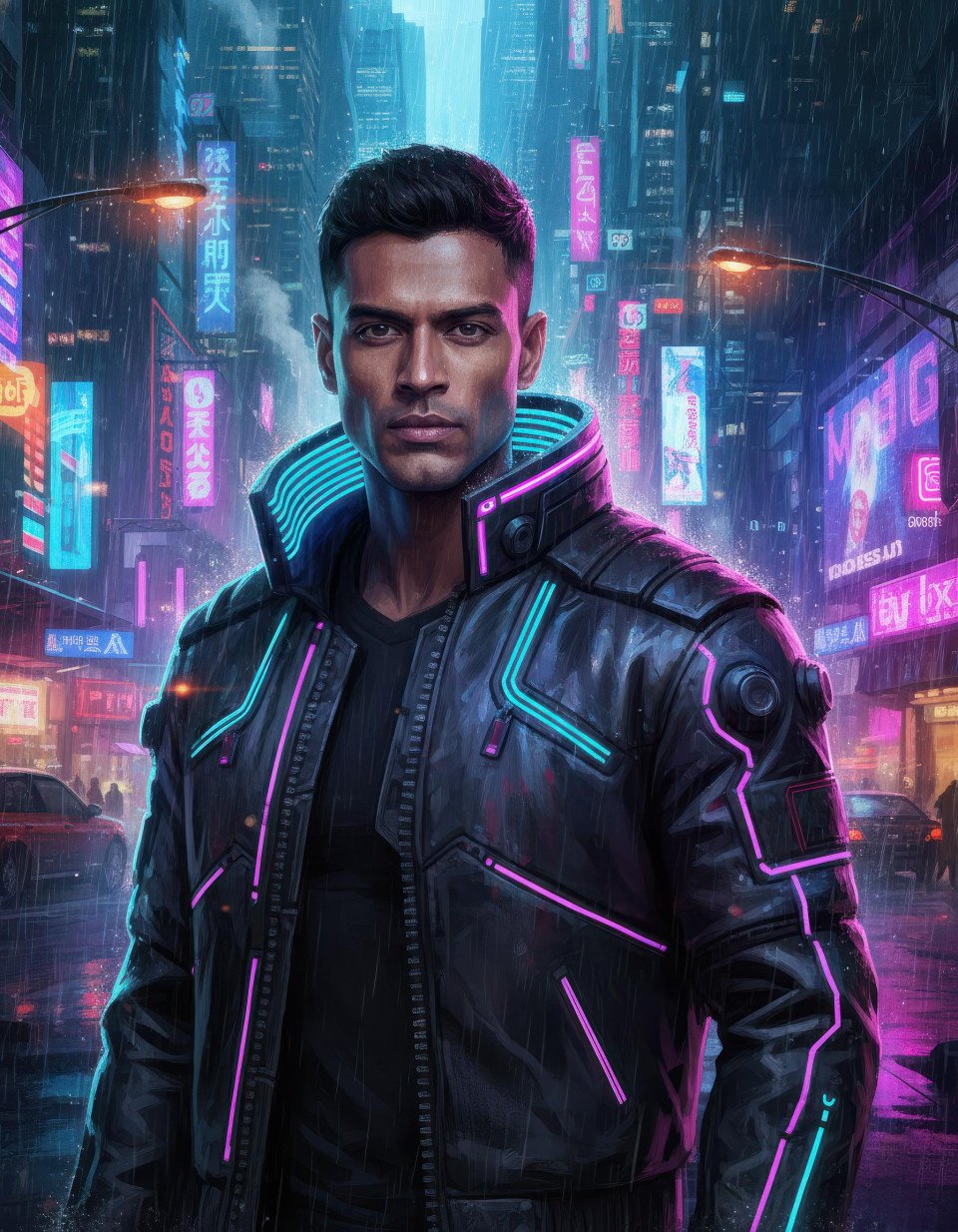
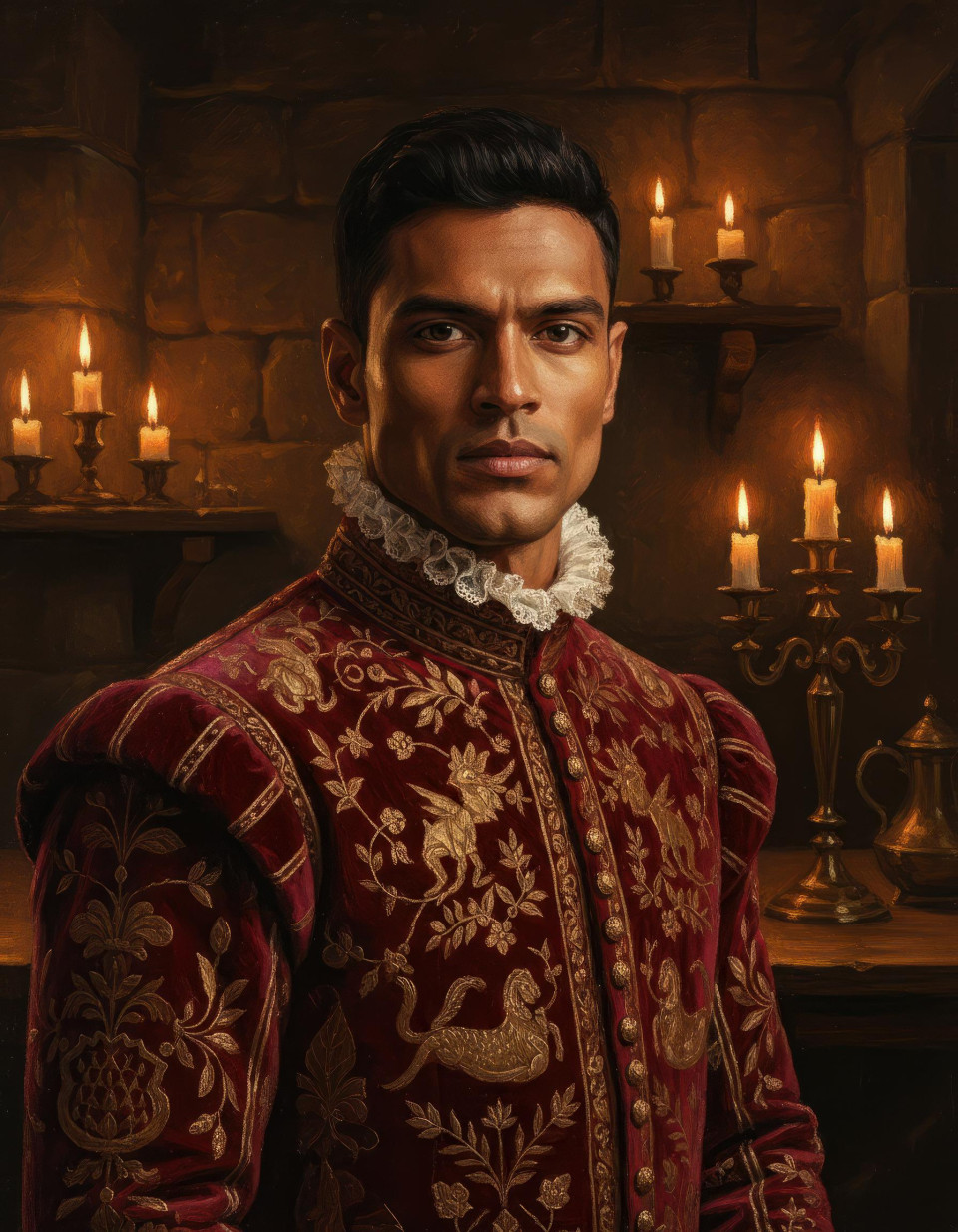
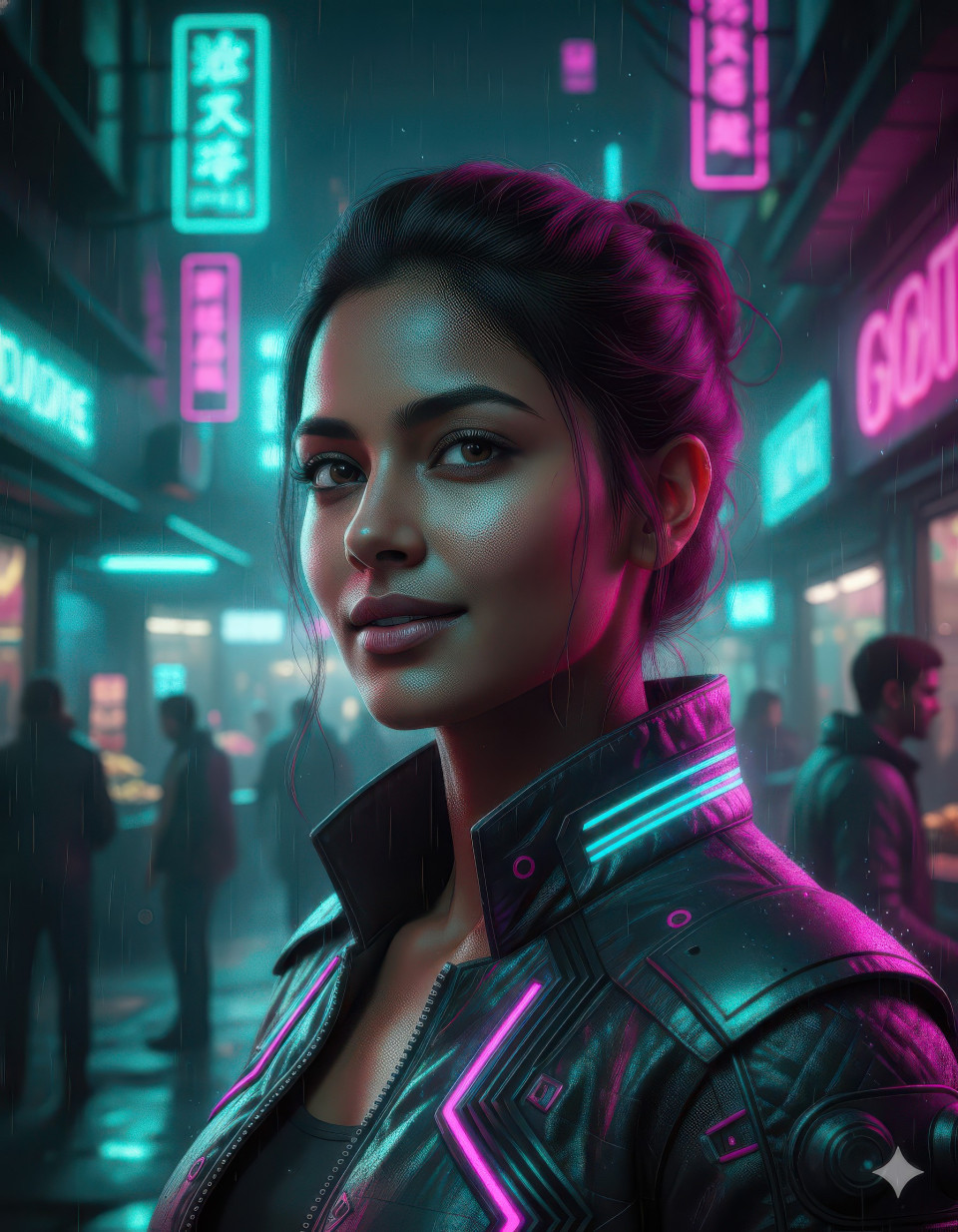
Choose the artistic direction, like fantasy realism, cyberpunk, renaissance painting, or surreal art. This sets the visual language and overall aesthetic of the final image.[Costume]
Outfits add narrative depth. From futuristic armor to flowing gowns or traditional attire, this placeholder shapes character identity and enhances the fantasy feel.[Scene]
The background environment such as a mystical forest or futuristic city adds atmosphere and storytelling, turning a simple portrait into a cinematic moment.[Visual Effects]
Effects like glowing light, mist, or dramatic shadows elevate the image, giving it a professional, high-end digital art finish.
Final Thoughts
If you’ve ever wanted fantasy or surreal portraits but only had ordinary photos, this approach is a game-changer. Using Google Gemini and compatible with ChatGPT, Midjourney, and other AI image generators you can create expressive, artistic visuals without advanced design skills. Thanks to the built-in prompt builder, it’s more than just a prompt; it’s a creative system that empowers anyone to turn imagination into share-worthy art.