Turn Flat Photos Into Film Noir With This Gemini Prompt
Stop posting flat photos! Use this Google Gemini prompt to add dramatic Chiaroscuro lighting and a 1940s Film Noir mood to your images instantly.
Get Started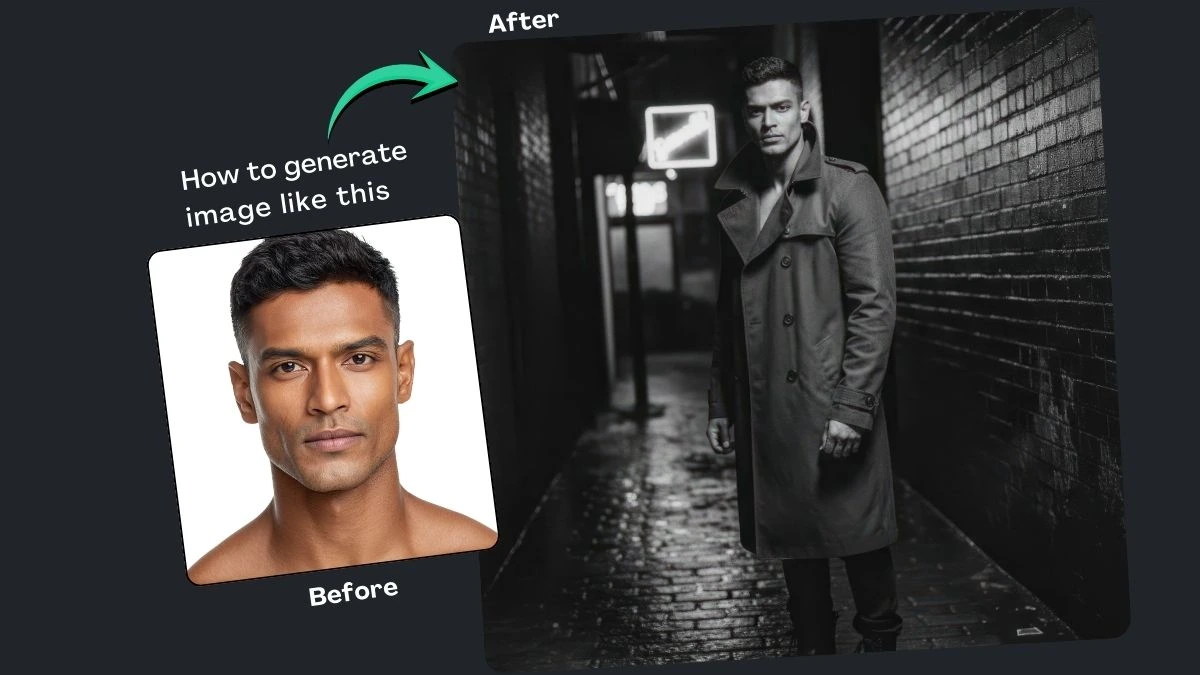


How It Works
Browse Prompts
Explore a wide collection of AI prompts curated by our experts. Find the perfect prompt that matches your vision.
Copy Prompts
Choose from ready-to-use AI prompts. Simply copy them with a click and get started without guesswork.
Create Stunning Design or Art
Paste the prompt into your favorite AI image generator (Midjourney, Google Gemini, ChatGPT Image, Stable Diffusion) and watch your ideas transform.
More Useful Examples for Turn Flat Photos Into Film Noir With This Gemini Prompt
Dramatic Noir Portrait Under a Bridge
Noir Style in a Foggy City Park at Dusk
Noir Detective at an Abandoned Train Station
Cinematic Noir Style in a Rainy Courtyard
Mystery Noir in a Smoky Backroom
Noir Style with Neon Lights in a Busy Alley
Intense Noir in a Dimly Lit Bar
Gritty Noir Style on a Snowy Street
Noir Film Aesthetic in an Old Bookstore
Classic Noir Look in a Rain-Soaked Street
Film Noir Vibes in an Industrial Warehouse
Cinematic Noir in an Urban Rooftop Setting
Mysterious Noir Scene in an Empty Theater
Noir Aesthetic on a Darkened Bridge at Night
Classic Noir with a Smoky Jazz Club Ambiance
-
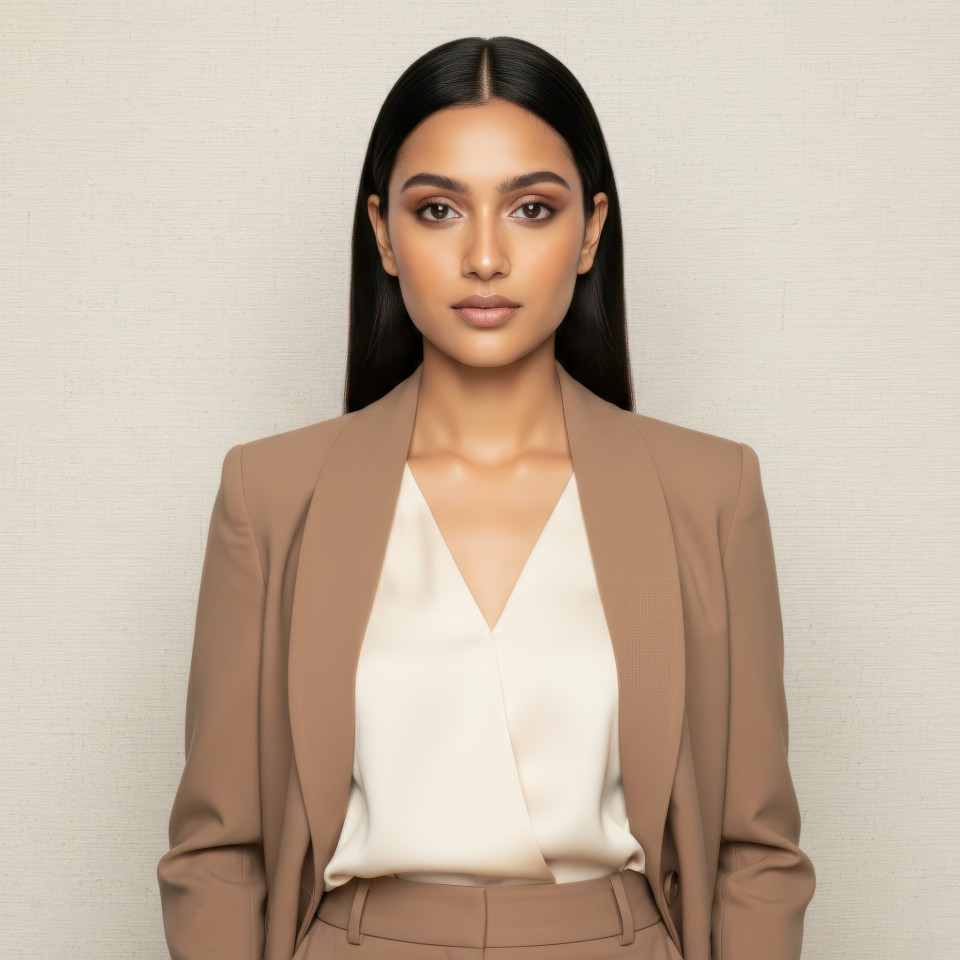
Transforming a digital photo into a masterpiece doesn’t require a Hollywood lighting crew. If your uploaded photos look flat, dull, or lack that "wow" factor, you’re not alone. Most smartphone cameras prioritize clarity over character, often stripping away the mood.
The solution? A high-contrast Chiaroscuro lighting technique that brings the classic 1940s film aesthetic to your fingertips. Whether you are using Google Gemini, ChatGPT, or Midjourney, this strategy turns "okay" shots into cinematic icons.
Why Use This Prompt and Prompt Builder?
This isn’t just a static command; it is a dynamic prompt builder. While it is optimized for the power of Google Gemini, its descriptive structure is perfectly compatible with all major AI image generators.
By using this builder, you move beyond "black and white" filters. You are instructing the AI to recalculate light and shadow, mimicking the physical properties of 35mm film. It solves the "flat photo" problem by adding depth, grit, and a narrative soul to your subjects.
How to Use the Film Noir Prompt Builder
To get the best results, fill in the placeholders within the brackets to customize your scene. Here is how to master each element:
-
[Subject]: Describe the person from your photo. Mention specific features to maintain consistency.
-
[Shadow Style]: This is the heart of Noir. Use "dramatic" for deep blacks or "striped" to mimic light passing through window blinds (Venetian blinds).
-
[Lighting]: Choose "low-key" or "harsh side-lighting" to create that sharp Chiaroscuro contrast where one side of the face disappears into darkness.
-
[Clothing]: Elements like a "trench coat," "fedora," or "silk dress" anchor the image in the 1940s era.
-
[Setting]: Place your subject in a "rainy city street" or a "dimly lit office" to provide environmental context.
-
[Film Stock]: Specifying "Kodak Tri-X" or "35mm black and white" tells the AI to add realistic grain and high-contrast textures.
Final Thoughts
Stepping into the world of Noir allows you to tell a story that color photography often misses. By using this Google Gemini-optimized prompt builder, you have the power to rescue any flat photo and give it the dramatic flair of a silver-screen classic. Give it a try on your favorite AI platform today and watch your images transform.
-