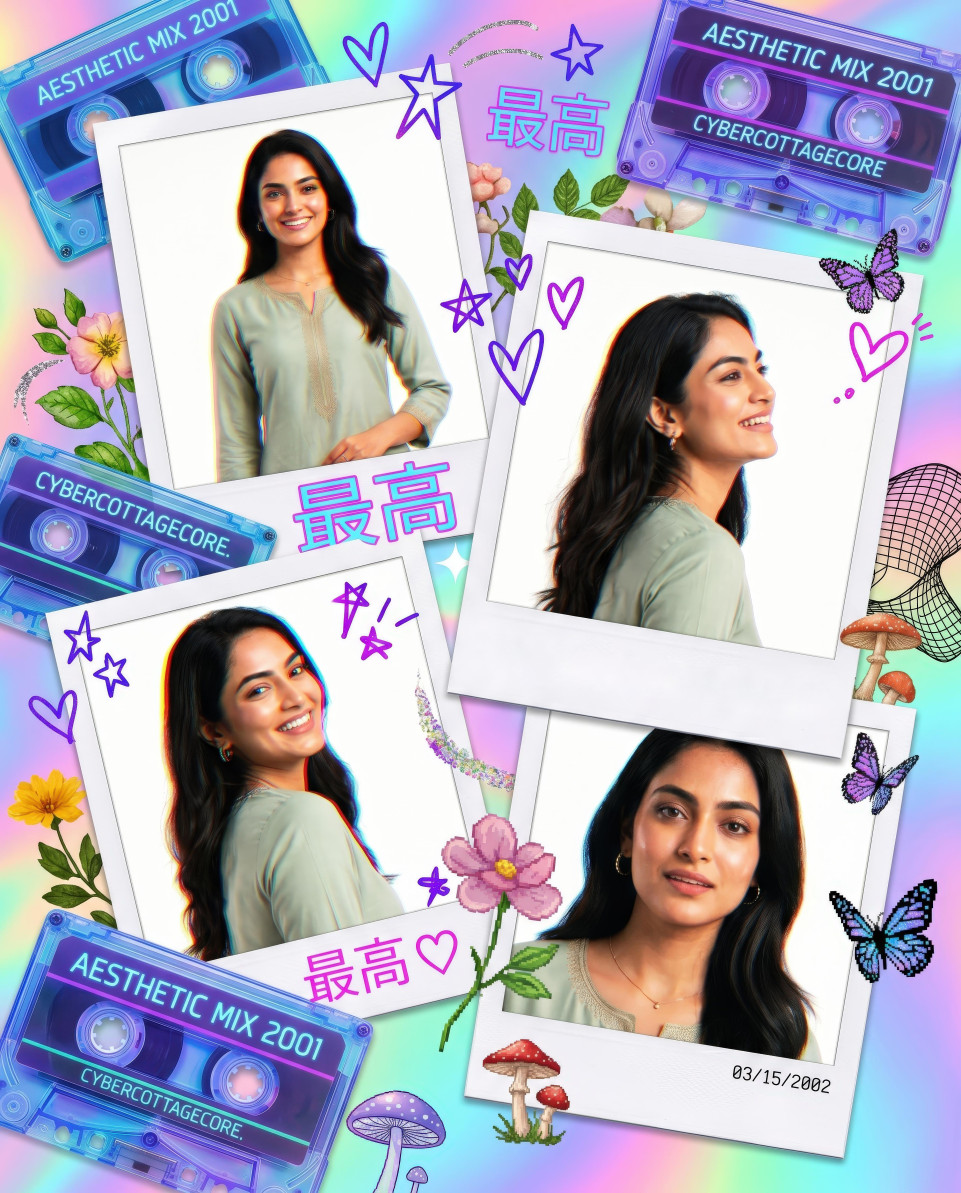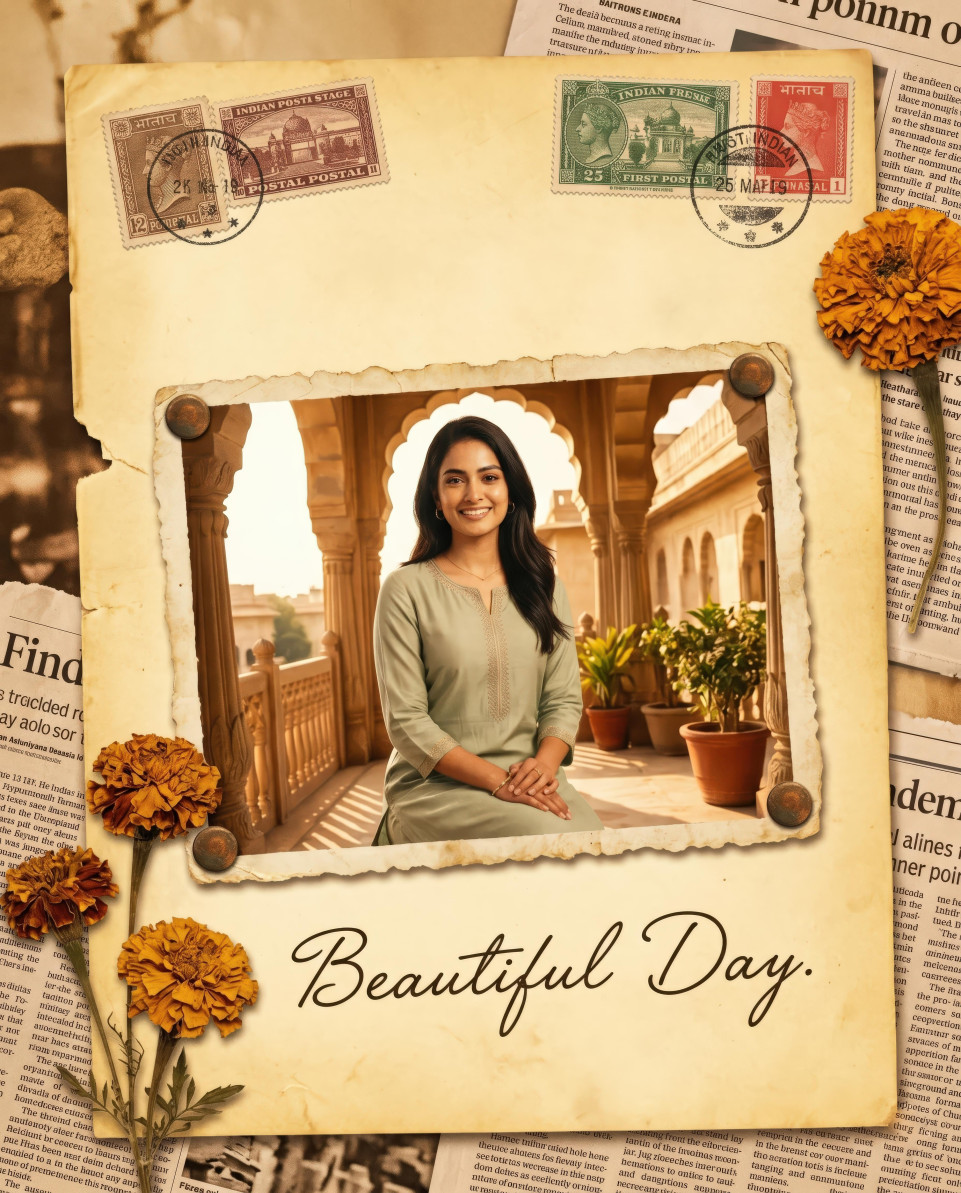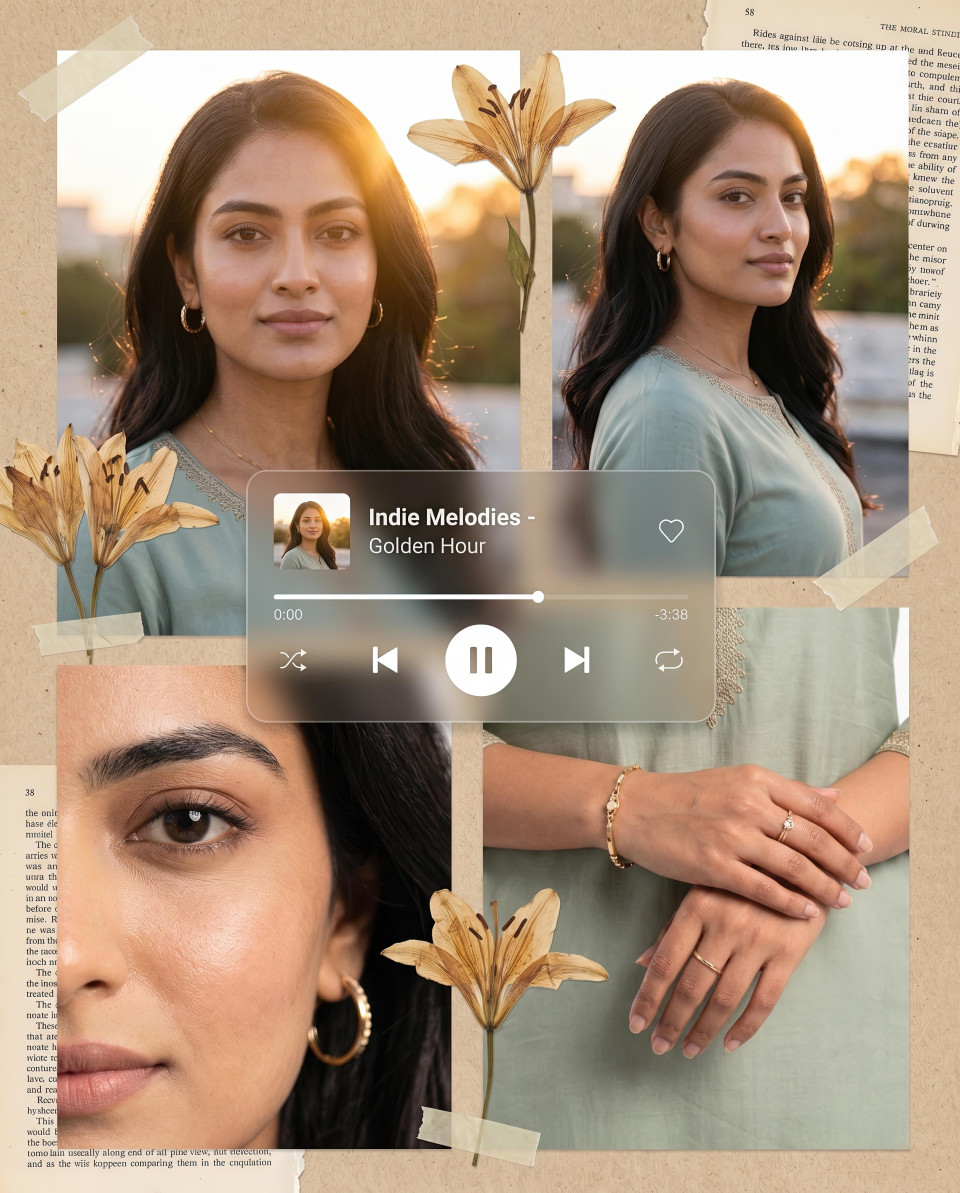
Google Gemini Prompt to Turn Female Photos Cinematic
Discover the best Google Gemini prompt to make female photos cinematic - enhance lighting, tone, and emotion for breathtaking visual effects.
Get Started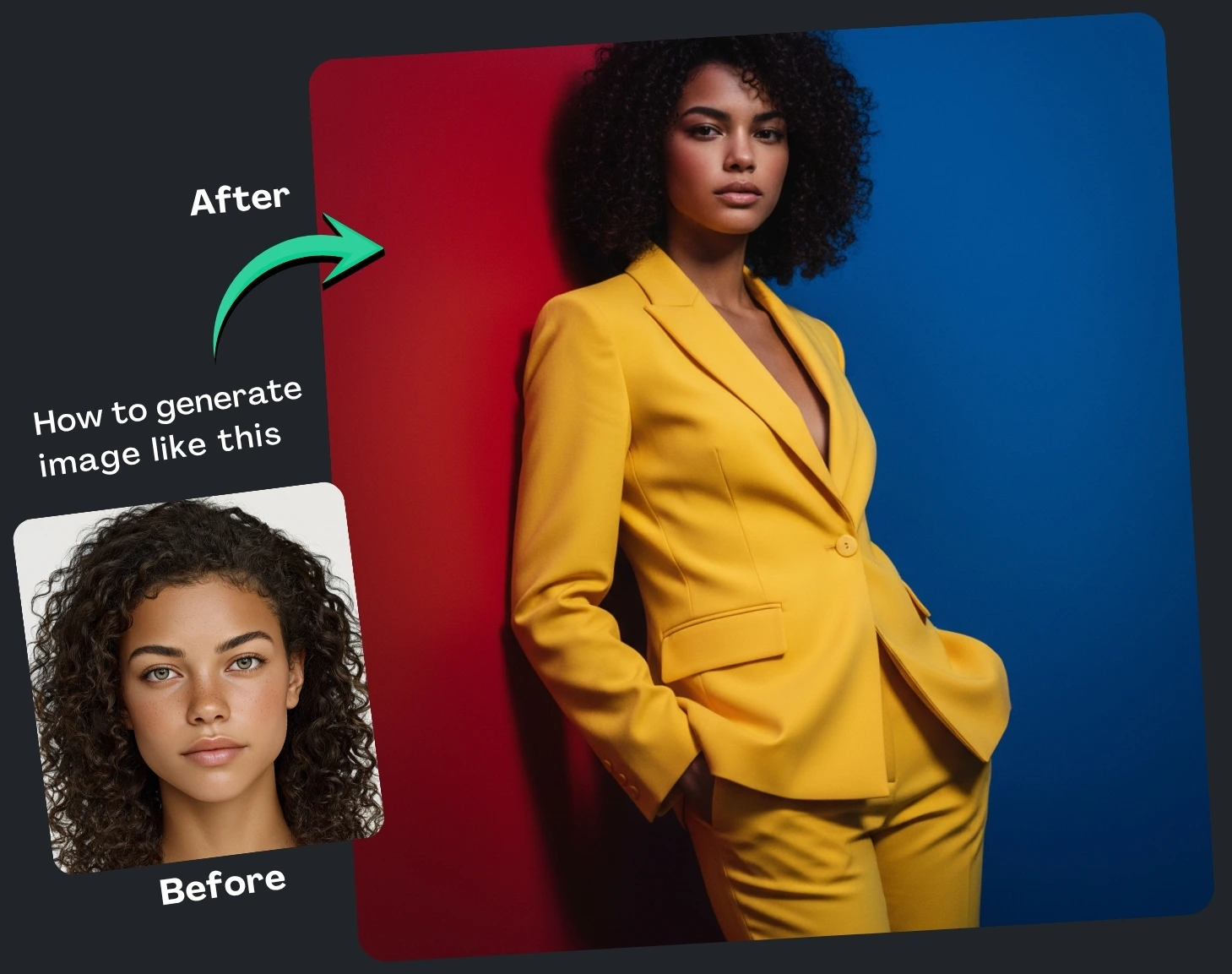


How It Works
Browse Prompts
Explore a wide collection of AI prompts curated by our experts. Find the perfect prompt that matches your vision.
Copy Prompts
Choose from ready-to-use AI prompts. Simply copy them with a click and get started without guesswork.
Create Stunning Design or Art
Paste the prompt into your favorite AI image generator (Midjourney, Google Gemini, ChatGPT Image, Stable Diffusion) and watch your ideas transform.
More Useful Examples for Google Gemini Prompt to Turn Female Photos Cinematic
Transform Female Uploaded Photo into a Golden Hour Cinematic Portrait
Transform Female Uploaded Photo into an Urban Night Cinematic Model
Transform Female Uploaded Photo into a Minimalist Studio Cinematic Model
Transform Female Uploaded Photo into a Futuristic Neon Cinematic Look
Transform Female Uploaded Photo into a Desert Sunset Cinematic Scene
Transform Female Uploaded Photo into a Dreamy Pastel Editorial Portrait
Transform Female Uploaded Photo into a Rainy City Cinematic Model
Transform Female Uploaded Photo into a Vintage Film Cinematic Portrait
Transform Female Uploaded Photo into an Ocean Breeze Cinematic Look
Transform Female Uploaded Photo into a Bold Color Block Studio Model
Transform Female Uploaded Photo into a Mountain Peak Cinematic Portrait
Transform Female Uploaded Photo into a Retro Polaroid Cinematic Style
Transform Female Uploaded Photo into a Rooftop Sunset Editorial Look
Transform Female Uploaded Photo into a Snowfall Cinematic Model
Transform Female Uploaded Photo into a Studio Monochrome Cinematic Portrait
-
If you’ve ever wondered how to give your female portraits that breathtaking, movie-like flair — the kind that makes them look straight out of a high-end fashion editorial — Google Gemini’s AI image generation prompt is your secret weapon. With the right combination of descriptive details and creative control, you can transform any standard image into a cinematic visual masterpiece.
Why Use a Google Gemini Cinematic Prompt?
Google Gemini’s advanced image generation capabilities allow creators, photographers, and digital artists to design highly stylized visuals with minimal effort. By crafting detailed prompts, you can control every element — from lighting and composition to wardrobe and emotion — resulting in a cinematic image that feels both professional and expressive.
Whether you’re curating content for social media, designing a portfolio, or enhancing brand visuals, using a cinematic prompt gives your female photos the polish of editorial photography. The key lies in how you fill out each section of the prompt — every bracket shapes the final image’s tone and story.
How to Use the Prompt (Explaining Each Placeholder)
-
[Camera angle]: Choose perspectives like cinematic close-up or waist-up to define how intimate or distant your shot feels. A close-up intensifies emotion, while a mid-shot balances detail and context.
-
[Type of photograph]: Specify portrait for classic elegance or full body for fashion-forward energy. This tells Gemini how much of the subject to capture.
-
[Subject]: Define your focus — such as a female model or woman — to personalize the image’s essence and mood.
-
[Wardrobe]: The outfit sets tone and style. Think sleek black turtleneck for minimalism or vibrant monochrome outfit for bold, modern aesthetics.
-
[Background]: Use settings like soft gradient or neon dual-tone split to frame your subject with mood and contrast.
-
[Lighting]: Lighting defines drama. Try soft pastel glow for dreaminess or high-contrast rim lighting for cinematic sharpness.
-
[Focus details]: Highlight elements — from cheekbones to fabric folds — that bring visual texture and realism.
-
[Expression] and [Pose]: These breathe emotion into the frame. Subtle gestures like eyes closed or gaze above the lens add storytelling depth.
-
[Color palette] and [Vibe]: Choose tones like neon blue and orange to evoke modern editorial energy or fiery red and gold for elegance and power.
-
[Style] and [Additional descriptors]: Finish strong with artistic direction — cinematic realism, ultra-high detail, or magazine cover aesthetic — to ensure professional quality.
Final Thoughts
Using the Google Gemini Prompt to Turn Female Photos Cinematic is more than just filling in blanks — it’s about curating emotion, tone, and artistry. By thoughtfully customizing each placeholder, you’ll produce cinematic portraits that captivate audiences and elevate your creative brand.
Experiment, refine, and let Google Gemini help you turn imagination into visual storytelling.
-