Transform Your Pet Image with Google Gemini AI Prompts
Turn ordinary pet photos into extraordinary AI image with Google Gemini prompts. Explore fun and creative ways to elevate your pet images effortlessly.
Get Started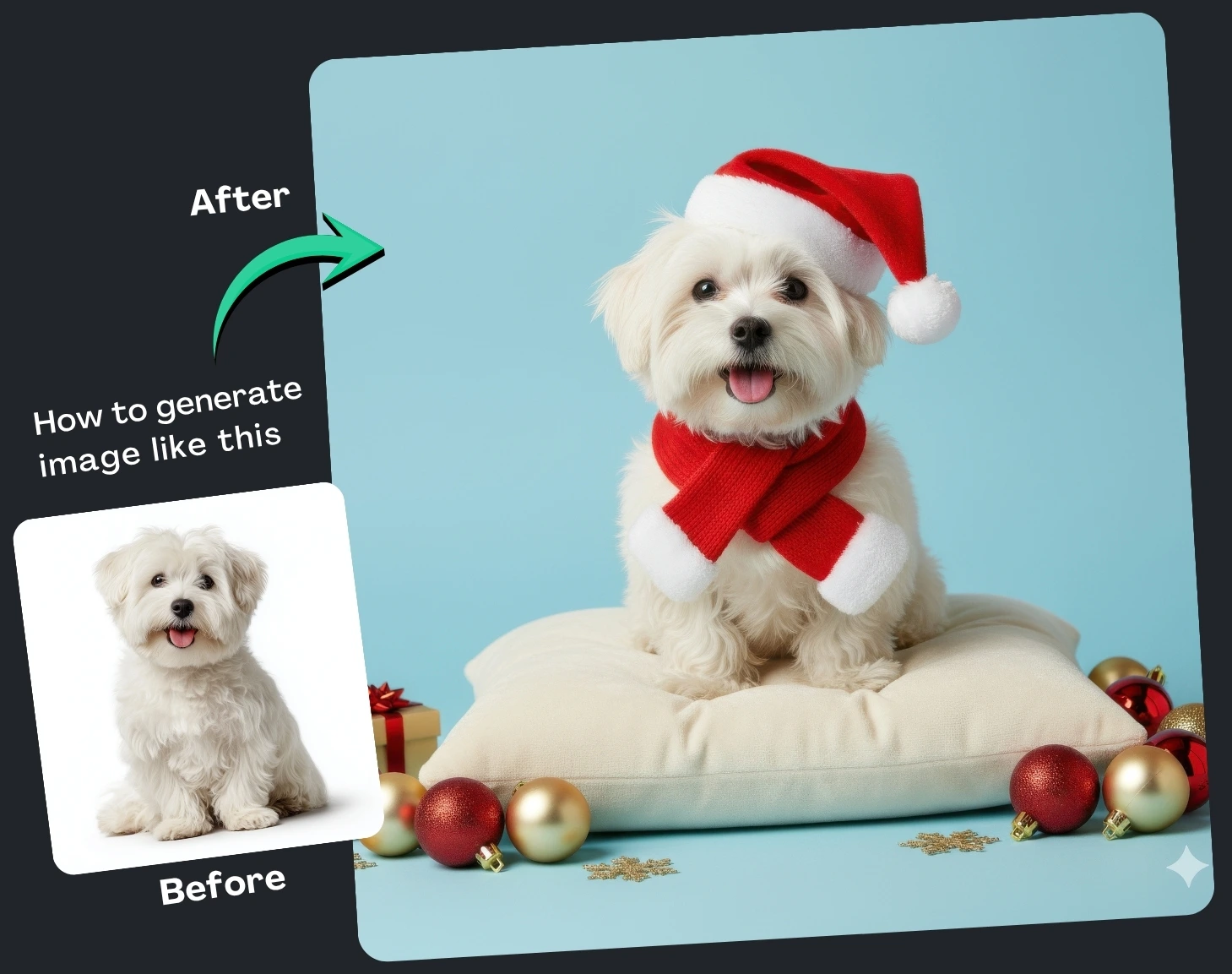
(9) Best Prompt Examples with AI Images


How It Works
Browse Prompts
Explore a wide collection of AI prompts curated by our experts. Find the perfect prompt that matches your vision.
Copy Prompts
Choose from ready-to-use AI prompts. Simply copy them with a click and get started without guesswork.
Create Stunning Design or Art
Paste the prompt into your favorite AI image generator (Midjourney, Google Gemini, ChatGPT Image, Stable Diffusion) and watch your ideas transform.
More Useful Examples for Transform Your Pet Image with Google Gemini AI Prompts
Cozy Winter Portrait of a Golden Retriever
Artistic Cat Portrait in Watercolor Ambiance
Minimalist Rabbit Studio Portrait
Luxurious Parrot Editorial Shoot
Joyful Puppy Birthday Celebration
Artistic Hamster in Colorful Studio
Heartwarming Kitten Wrapped in a Blanket
Modern Ferret on Neutral Backdrop
Playful Guinea Pig in Candyland
Cinematic Cat by the Window
Festive Dog in Holiday Studio
Luxurious Cat on Velvet Sofa
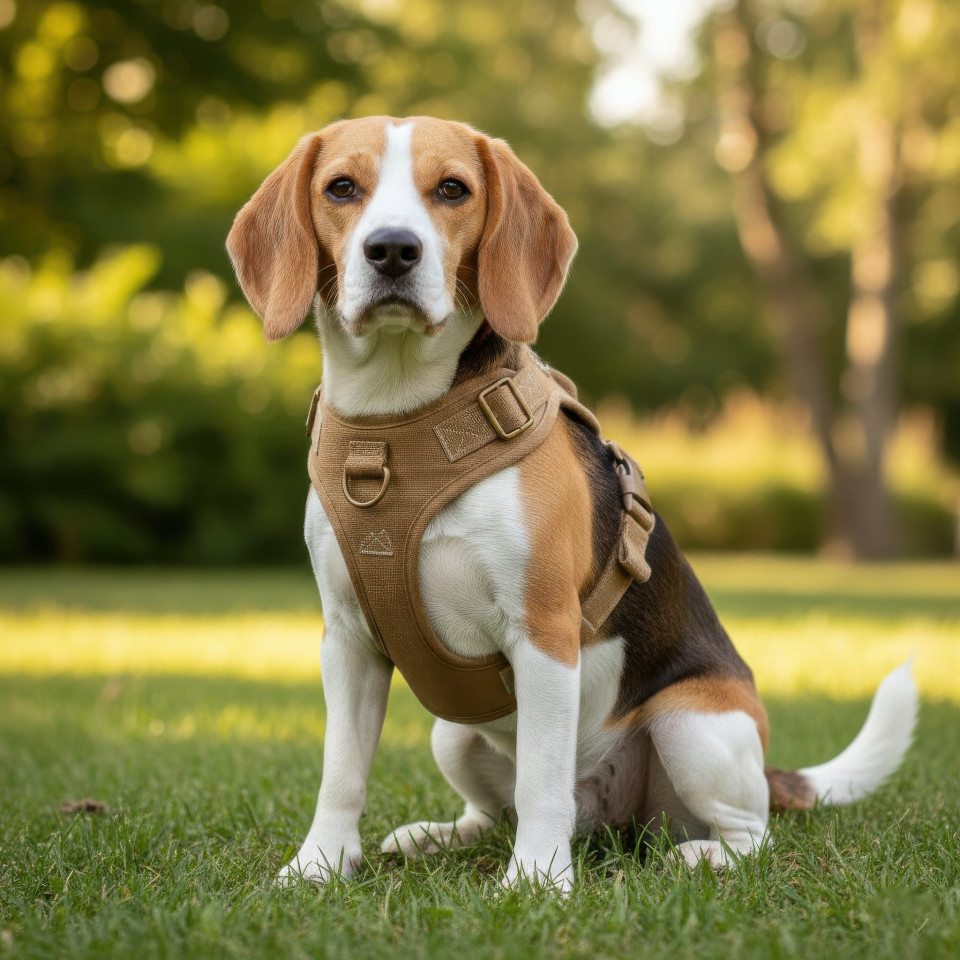
Modern Dog in Minimal Studio
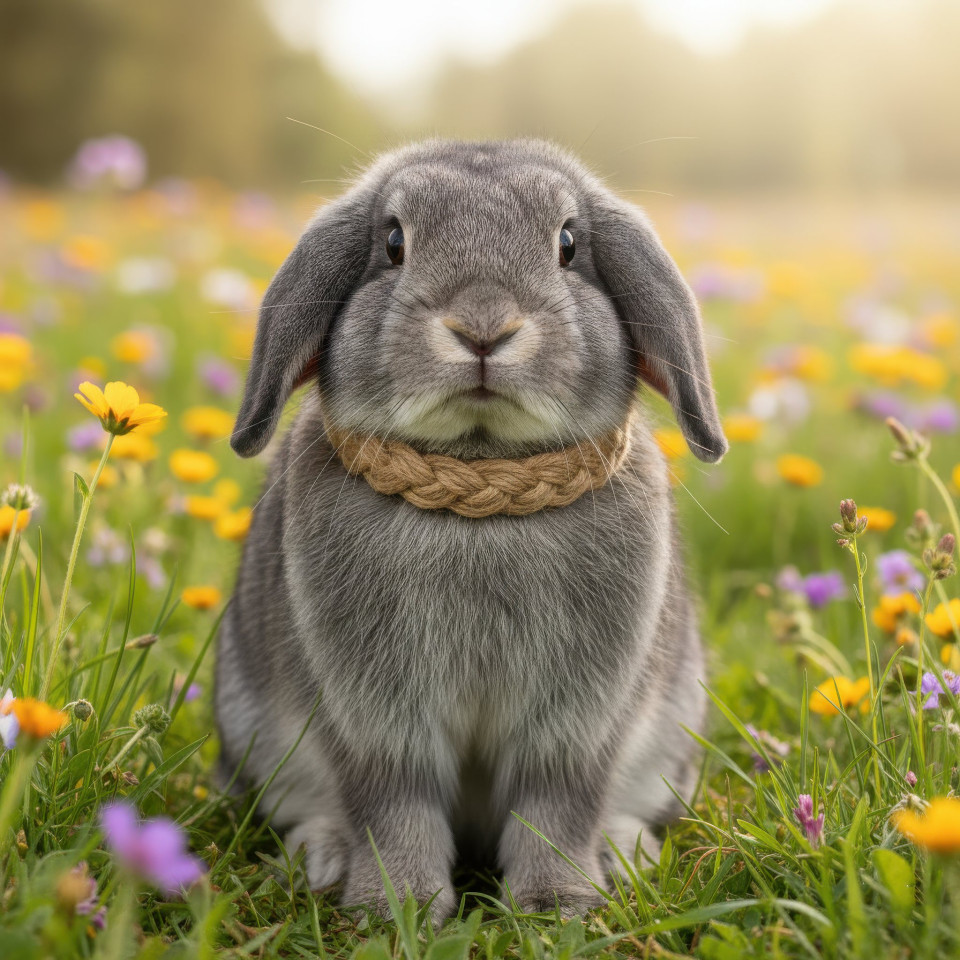
Cheerful Bunny in Flower Field
Creative Parrot in Paint Studio
-
If you’ve ever wanted to turn your pet’s photo into a work of art, Google Gemini AI makes it easier than ever. With the right prompt, you can create heartwarming, cinematic, or even editorial-quality portraits that capture your pet’s unique charm. Whether you’re a pet parent, content creator, or animal photographer, Gemini AI can help you produce stunning, high-quality visuals that look like they came straight from a professional studio.
Why Use AI Prompts for Pet Images
Using Google Gemini AI prompts allows you to guide the image generation process with precision and creativity. Instead of relying on random results, prompts help you describe exactly how your pet should appear — from lighting and composition to accessories and mood. This gives you complete artistic control, resulting in customized, visually striking images that reflect your pet’s personality. Plus, it saves time and money compared to traditional photography while offering limitless creative possibilities.
How to Use the Prompt Effectively
The provided prompt includes placeholders that you can personalize to create the perfect image. Here’s how each element works:
-
[Mood] – Defines the emotional tone, such as heartwarming, joyful, or artistic. Choose one that matches the feeling you want to convey.
-
[Style] – Controls the visual approach — ultra-realistic, cinematic, or editorial. This determines how polished and detailed the final image looks.
-
[Subject] – Specifies your pet type — dog, cat, rabbit, or any other animal.
-
[Pose] – Describes your pet’s position, like sitting on a cushion or peeking from behind a wall, to add character.
-
[Background] – Sets the environment, from solid pastel to festive holiday setups.
-
[Lighting] – Defines brightness and mood using soft daylight or studio lighting.
-
[Mood detail] – Enhances the emotional feel — cozy, cheerful, or luxurious.
-
[Outfit or accessory] – Adds charm with props like a Santa hat or bow tie.
-
[Props] – Complements the scene with toys, ornaments, or treats.
-
[Focus] and [Composition] – Determine how the subject is framed and emphasized for a professional look.
-
[Color palette] – Sets the visual tone — pastels, warm tones, or neutrals.
-
[Overall aesthetic] – Unifies the image’s style, such as modern, festive, or minimalist.
Final Thoughts
Google Gemini AI prompts unlock a new level of creative freedom for pet lovers. By tweaking a few parameters, you can transform your pet’s image into a stunning portrait that captures their spirit and style. Experiment with moods, lighting, and colors until you find the perfect combination — and watch your pet’s personality come to life in every frame.
-