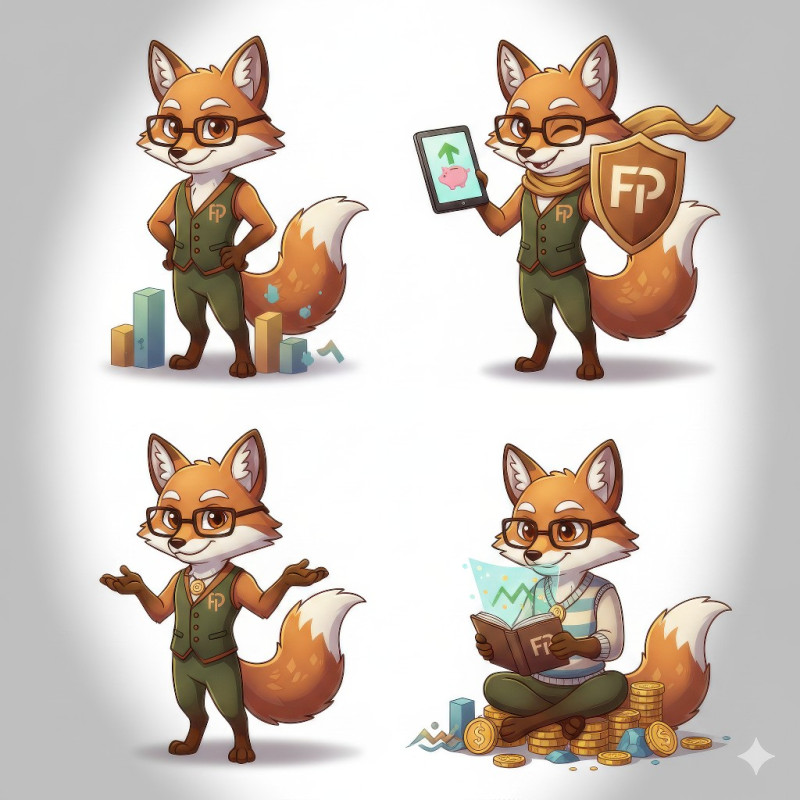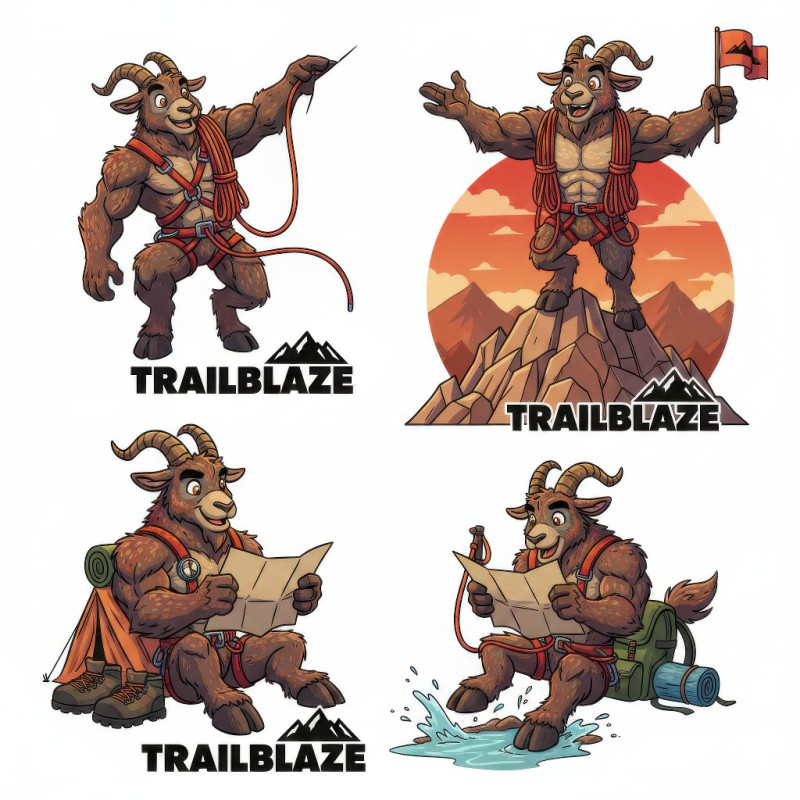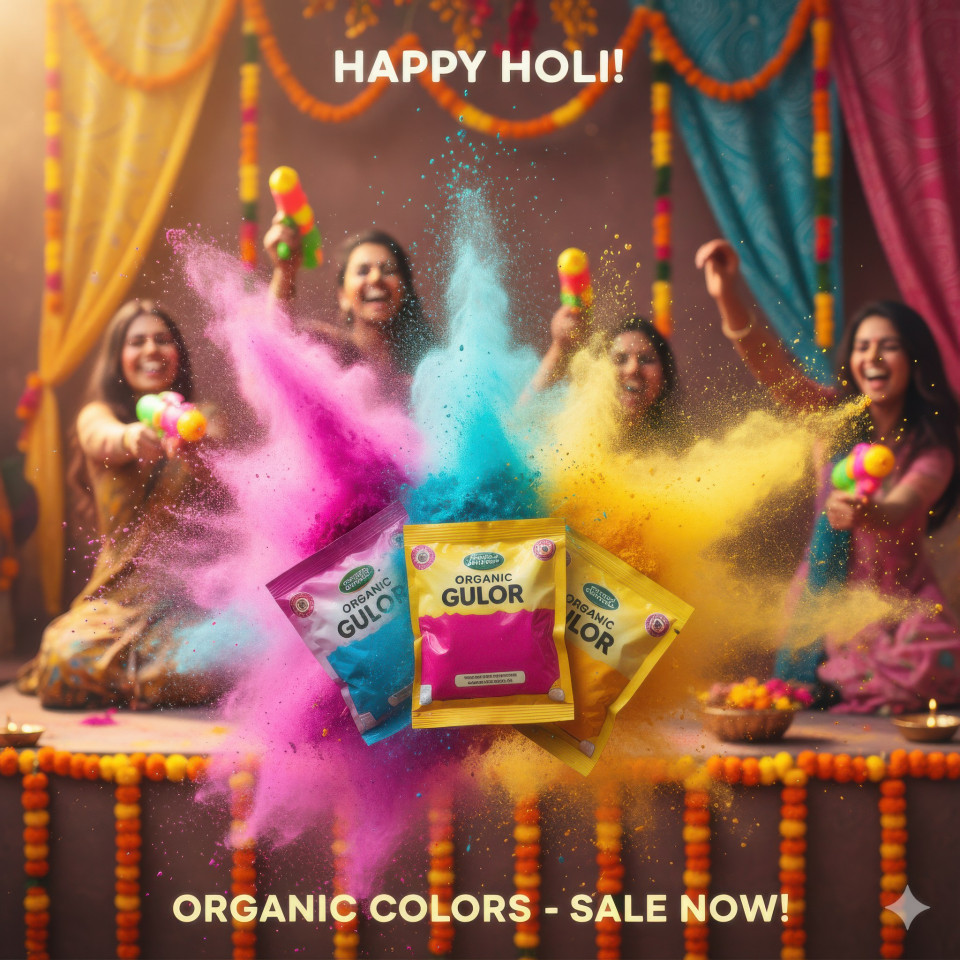
Scroll-Stopping Social Design Ads Google Gemini Prompts With Builder
Struggling with generic ads Discover Google Gemini social design ad prompts that help you build scroll stopping visuals optimized for social media success
Get Started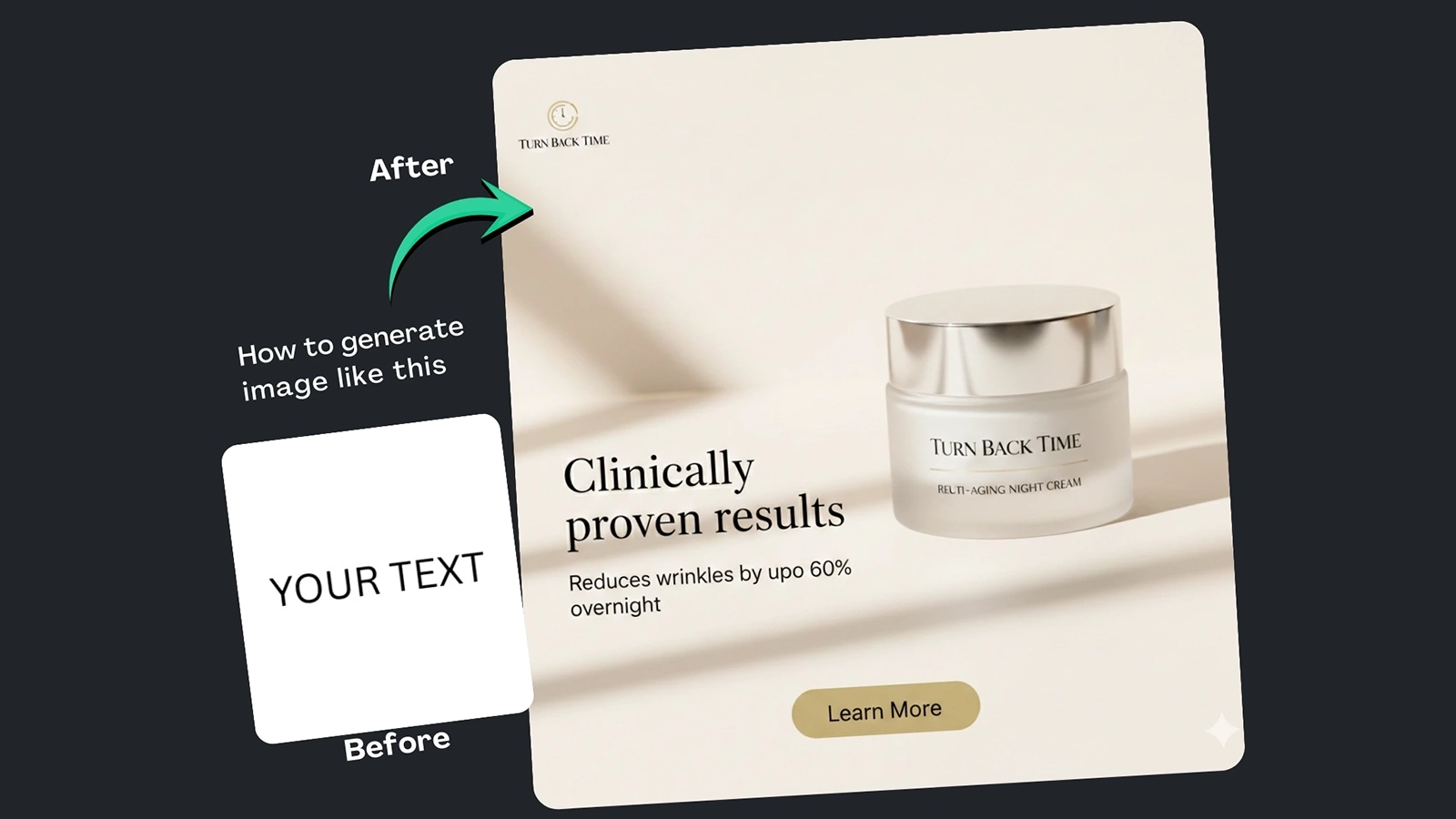
(9) Best Prompt Examples with AI Images


How It Works
Browse Prompts
Explore a wide collection of AI prompts curated by our experts. Find the perfect prompt that matches your vision.
Copy Prompts
Choose from ready-to-use AI prompts. Simply copy them with a click and get started without guesswork.
Create Stunning Design or Art
Paste the prompt into your favorite AI image generator (Midjourney, Google Gemini, ChatGPT Image, Stable Diffusion) and watch your ideas transform.
More Useful Examples for Scroll-Stopping Social Design Ads Google Gemini Prompts With Builder
Bold Social Media Ad for Skincare Launch
Luxury Wellness Supplement Campaign
Minimalist Design Service Ad
Eye-Catching Doctor Consultation Promo
Vibrant Cosmetic Product Launch
Energetic Fitness Supplement Campaign
Premium Skincare Awareness Ad
Creative Branding Service Visual
Engaging Virtual Consultation Campaign
Eye-Popping Fitness Equipment Promo
Innovative Tech Gadget Launch
Gourmet Food Delivery Promotion
Eco-Friendly Cleaning Product Campaign
Luxury Travel Destination Ad
Cutting-Edge Automotive Launch
-
In today’s crowded social feeds, the biggest problem brands face is simple: ads look generic and fail to stop scrolling or communicate value instantly. If your visuals blend in, your message is lost. That’s where Scroll-Stopping Social Design Ads Google Gemini Prompts with Builder come in. This solution helps creators, marketers, and designers generate bold, high-impact visuals that are optimized for social platforms and designed to capture attention within seconds.
Why Use This Prompt and Prompt Builder
This is more than a prompt—it also features a built-in prompt builder that removes guesswork from social ad creation. Instead of struggling with vague descriptions, you’re guided through proven visual principles used in high-performing ads. The result? Clean, premium, scroll-stopping designs that clearly communicate value while staying platform-ready for Instagram and Facebook.
Using Google Gemini as the image generator ensures your ads feel modern, polished, and non-generic—perfect for brands that want to stand out.
How to Use the Prompt (Placeholder Breakdown)
Each placeholder in the prompt is designed to give you creative control while maintaining structure:
-
[Ad Style] defines the overall visual direction, such as luxury editorial or minimalist performance, setting expectations instantly.
-
[Product/Service] places your offering as the hero, ensuring clarity and focus.
-
[Composition] guides layout balance and hierarchy so the eye knows exactly where to look.
-
[Core Value] highlights the main benefit—hydration, glow, protection—communicated at a glance.
-
[Background Style] and [Negative Space Usage] prevent clutter and create breathing room for headlines and logos.
-
[Lighting], [Mood], [Contrast Level], and [Focus] control emotional tone and visual sharpness.
-
[Brand Assets], [Headline], [Subheading], and [Call to Action] ensure branding and messaging are seamlessly integrated.
-
[Platform] and [Aspect Ratio] optimize the design for each social placement.
The prompt builder helps you fill these fields quickly and strategically.
Final Thoughts
If your ads aren’t stopping thumbs, they’re not doing their job. With this scroll-stopping social media ad design prompt and built-in builder, you can create high-impact visuals that look intentional, premium, and conversion-focused. It’s a smart, repeatable solution for anyone serious about better performance on social—and a tool you’ll want to come back to again and again.
-