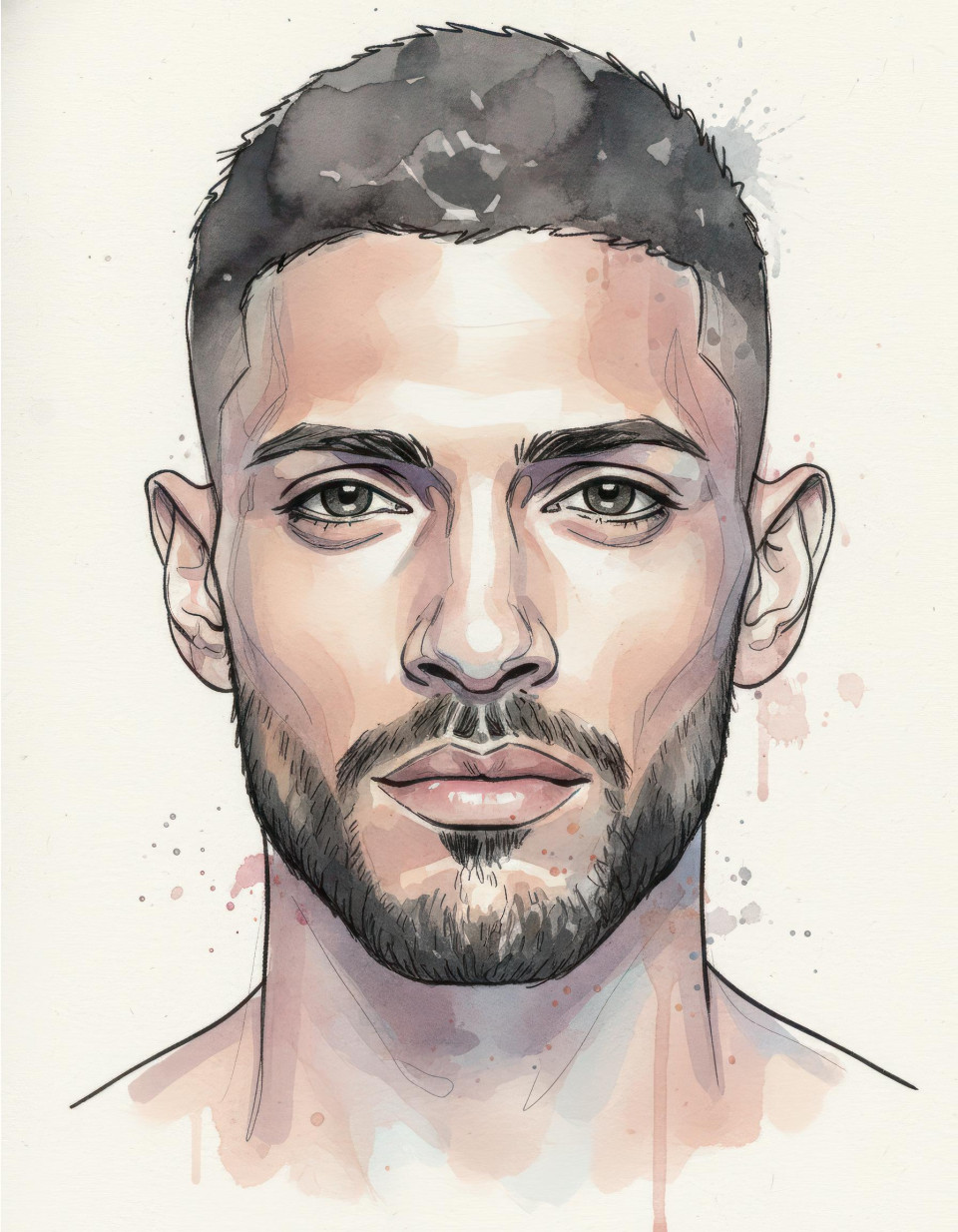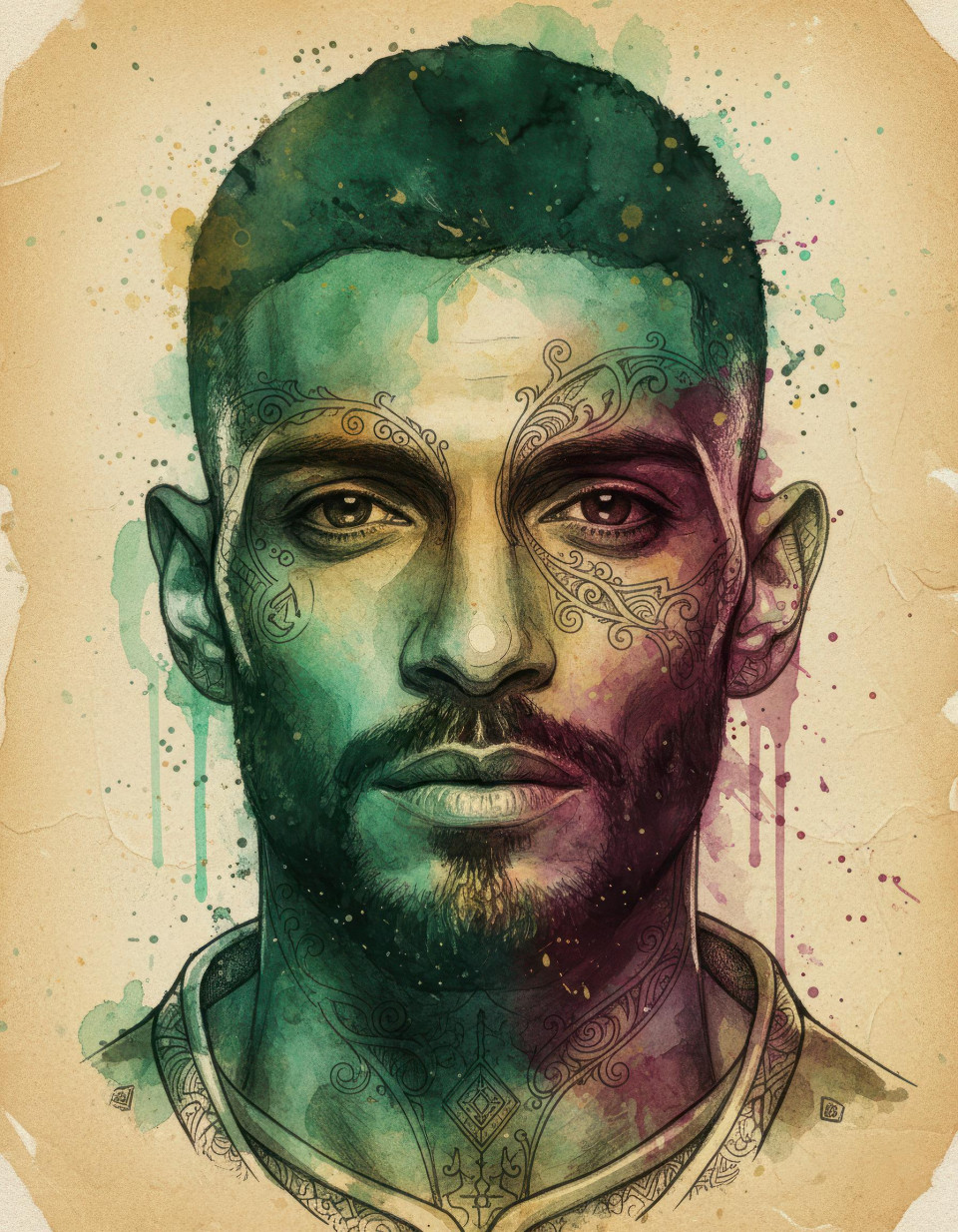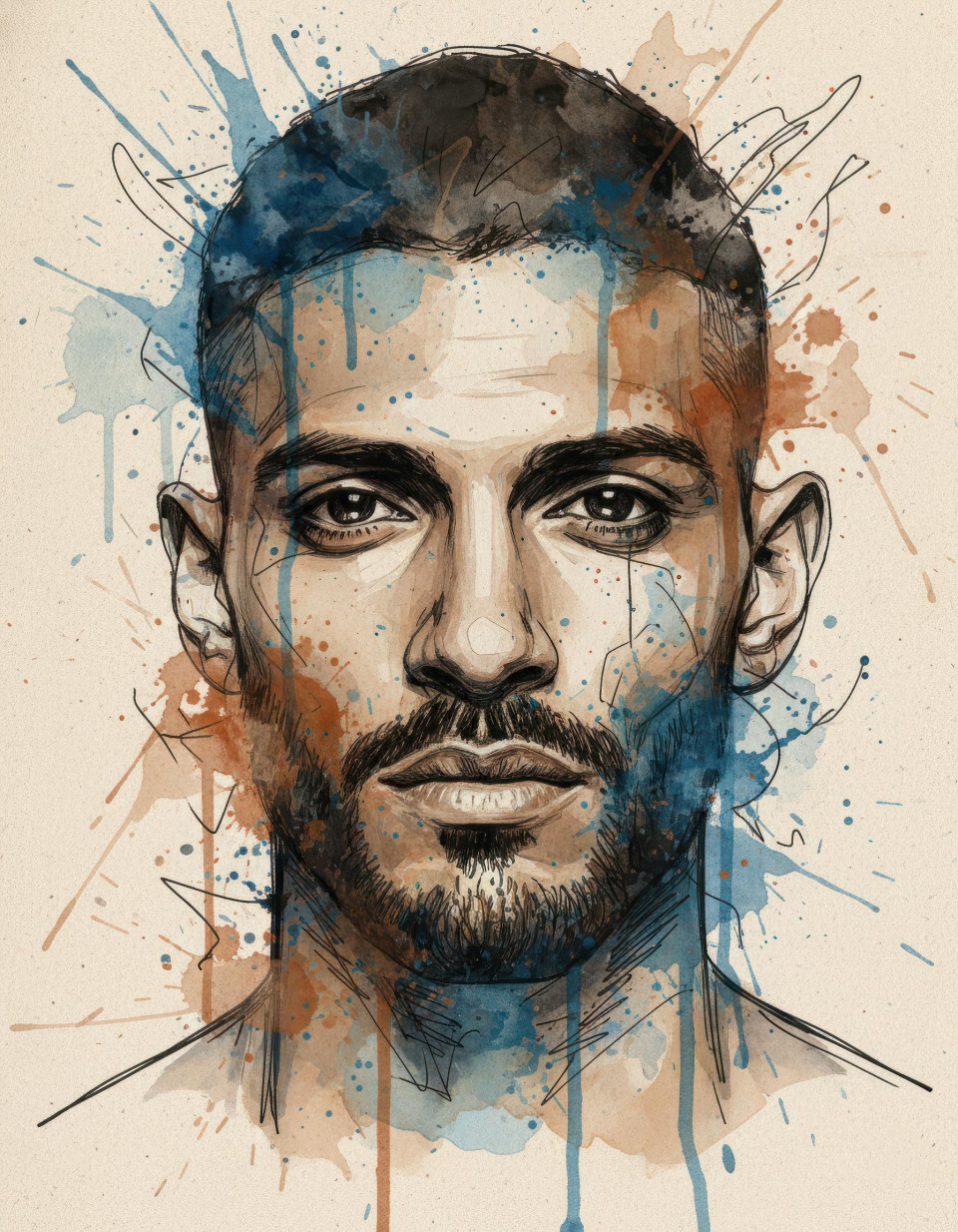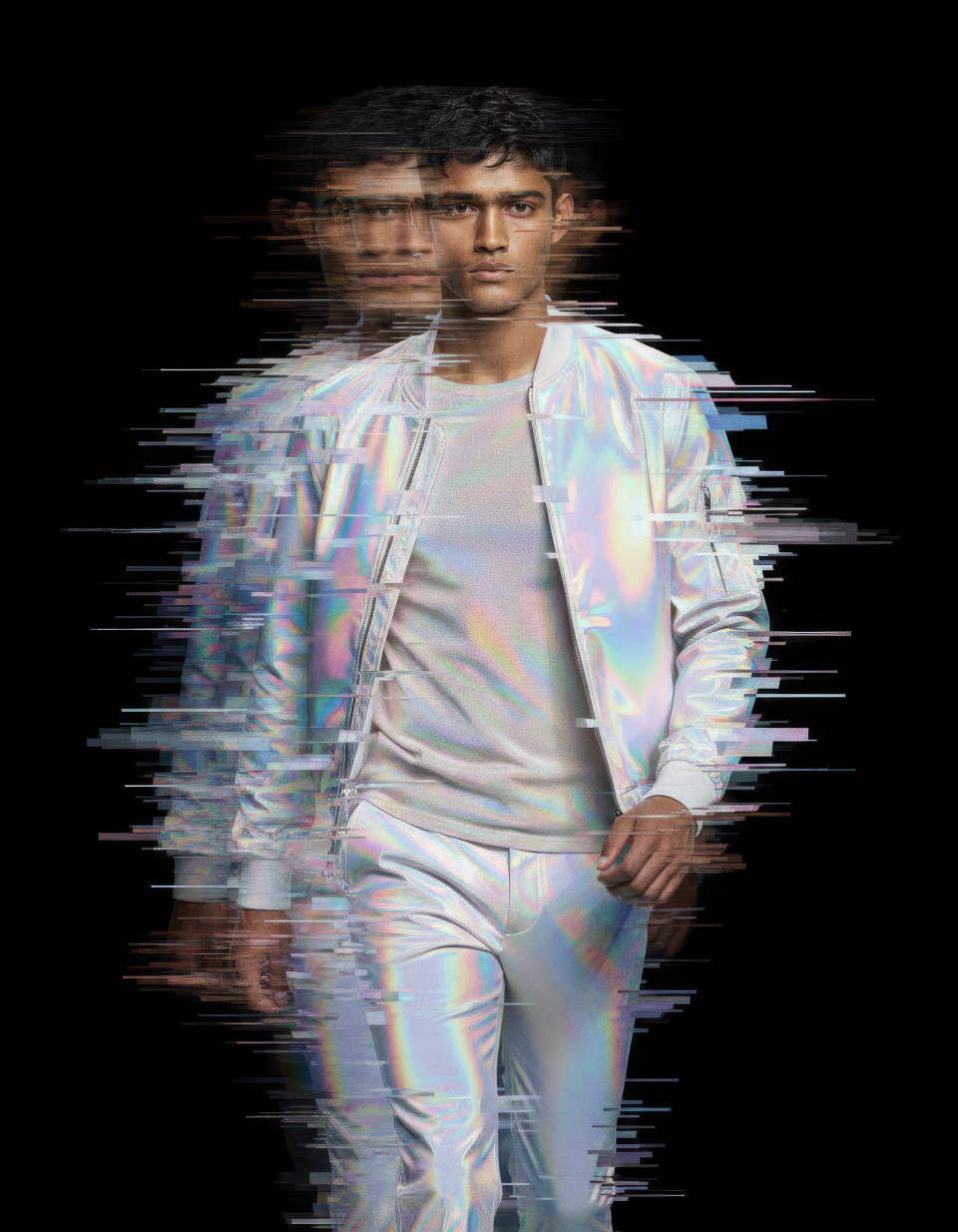
Photo to Character Art Google Gemini Prompt With Builder
Turn photos into character art with Google Gemini AI Learn a powerful prompt builder to create cartoon anime or fantasy illustrations while keeping realistic likeness
Get Started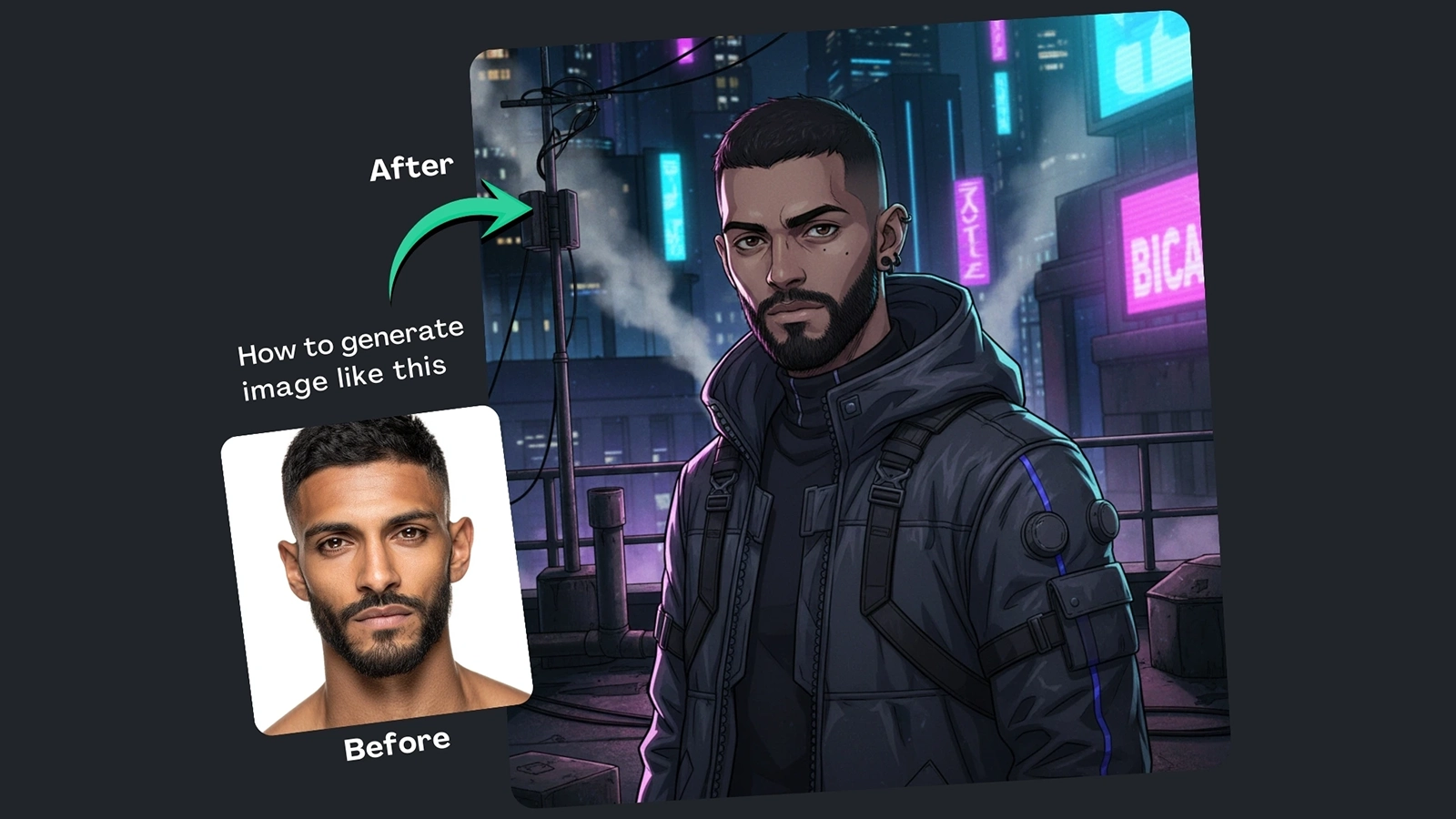


How It Works
Browse Prompts
Explore a wide collection of AI prompts curated by our experts. Find the perfect prompt that matches your vision.
Copy Prompts
Choose from ready-to-use AI prompts. Simply copy them with a click and get started without guesswork.
Create Stunning Design or Art
Paste the prompt into your favorite AI image generator (Midjourney, Google Gemini, ChatGPT Image, Stable Diffusion) and watch your ideas transform.
More Useful Examples for Photo to Character Art Google Gemini Prompt With Builder
Anime City Glow Portrait Transformation
Dreamy Fantasy Forest Character Illustration
Modern Cartoon Studio Headshot Conversion
Realistic Digital Painting Nature Portrait
Futuristic Anime Cyberpunk Portrait Art
Whimsical Cartoon Beachside Illustration
Epic Fantasy Warrior Portrait Rendering
Cinematic Digital Painting Urban Mood Portrait
Cute Anime Pastel Room Portrait
Artistic Cartoon Abstract Color Portrait
Cinematic Anime Desert Sunset Portrait
Fantasy Royal Palace Character Illustration
Cartoon Coffee Shop Lifestyle Portrait
Realistic Digital Painting Autumn Park Portrait
Anime Night Sky Star Gazer Portrait
-
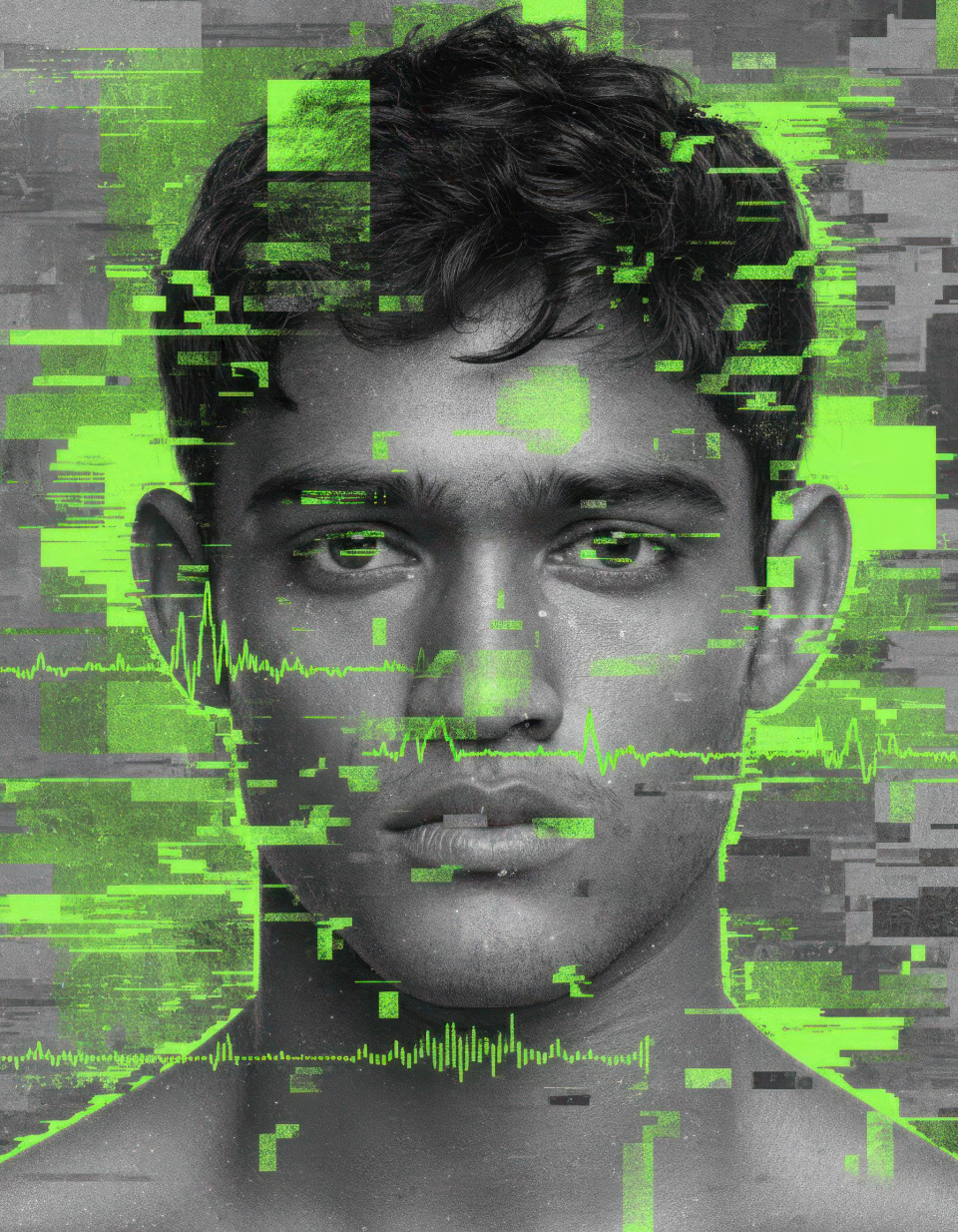
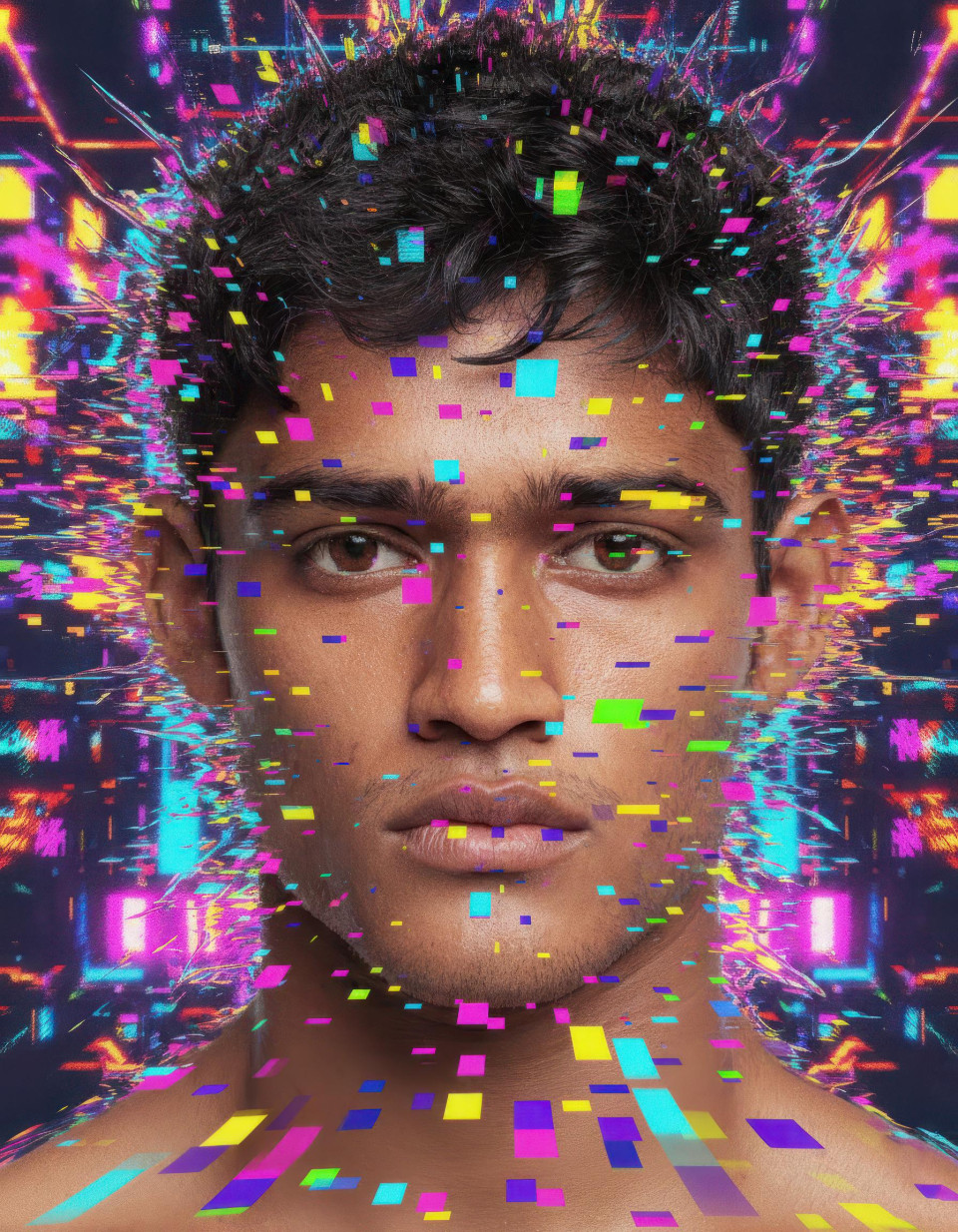
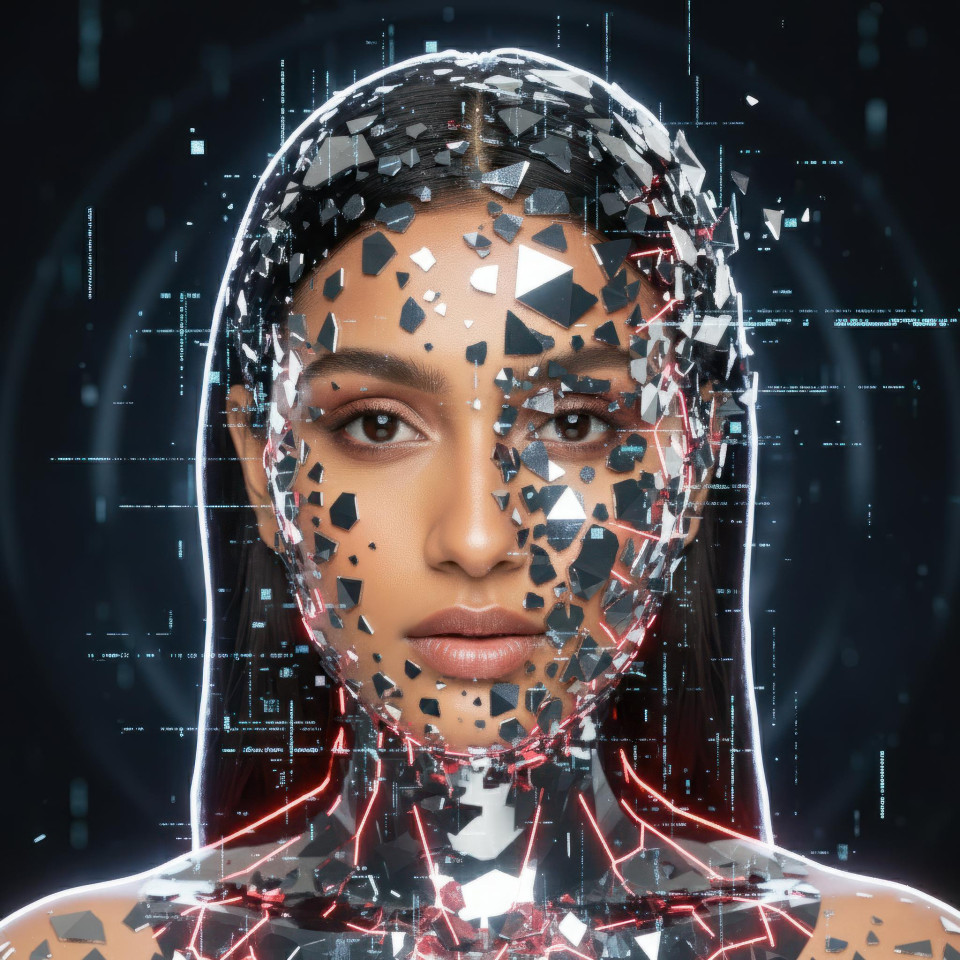
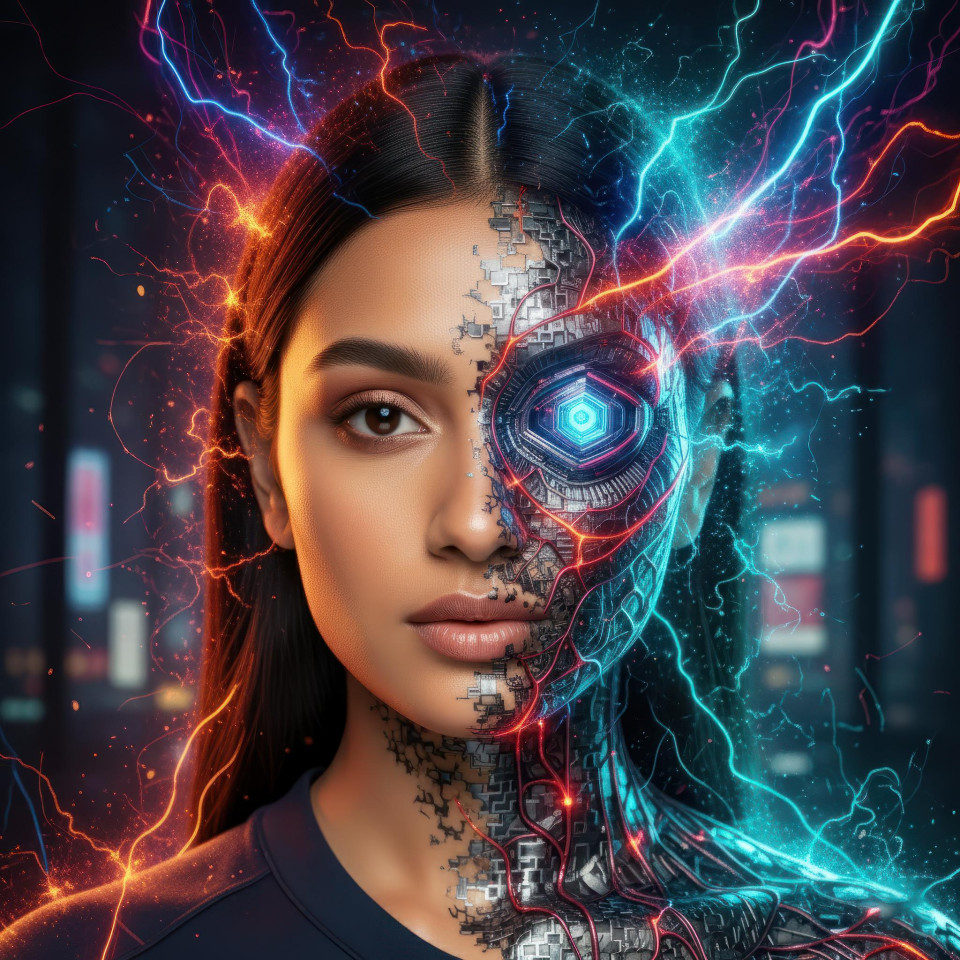
Turning real photos into eye-catching character art is no longer reserved for professional illustrators. With the Photo to Character Art Google Gemini Prompt With Builder, creators, marketers, and artists can instantly transform realistic portraits into stylized illustrations—while preserving facial likeness and expression. This is more than a prompt; it also features a built-in prompt builder that simplifies customization for anyone, regardless of technical skill.
Why Use Prompt and Prompt Builder
One of the biggest challenges users face is converting real portraits into anime, cartoon, or fantasy styles without losing realism. Traditional editing tools are time-consuming and often distort facial features. This AI-powered solution solves that problem by guiding Google Gemini to generate consistent, high-quality character art that stays true to the original photo.
The included prompt builder makes the experience even better. Instead of guessing how to phrase instructions, users can easily select options and generate a polished prompt automatically. This saves time, reduces errors, and delivers predictable results—perfect for marketing visuals, social media content, personal branding, or digital art projects.
How to Use Prompt (Explaining Each Placeholder)
Each placeholder in the prompt builder plays a specific role in shaping the final image:
-
[Character] defines the subject type, such as a boy, girl, young woman, or man. This helps Gemini understand proportions and facial structure.
-
[Art Style] determines the visual direction, whether anime, cartoon, realistic digital painting, or fantasy illustration.
-
[Clothing] lets you control the outfit style, making it suitable for casual branding, formal portraits, or futuristic concepts.
-
[Accessories] add personality and detail, such as glasses, hats, or jewelry.
-
[Background] sets the scene, from cityscapes to nature or studio backdrops.
-
[Mood] influences emotional tone, helping convey cheerful, dramatic, or mysterious vibes.
-
[Lighting] enhances realism and atmosphere with soft, cinematic, or spotlight effects.
Together, these placeholders ensure precise, creative control while maintaining facial accuracy.
Final Thoughts
The Photo to Character Art Google Gemini Prompt With Builder bridges the gap between realism and creativity. By combining AI intelligence with a user-friendly builder, it empowers anyone to create stunning stylized portraits quickly and consistently. If you’re looking to elevate your visual content, this tool is a smart, share-worthy solution—and a reason to keep coming back for more AI-driven creativity.
-