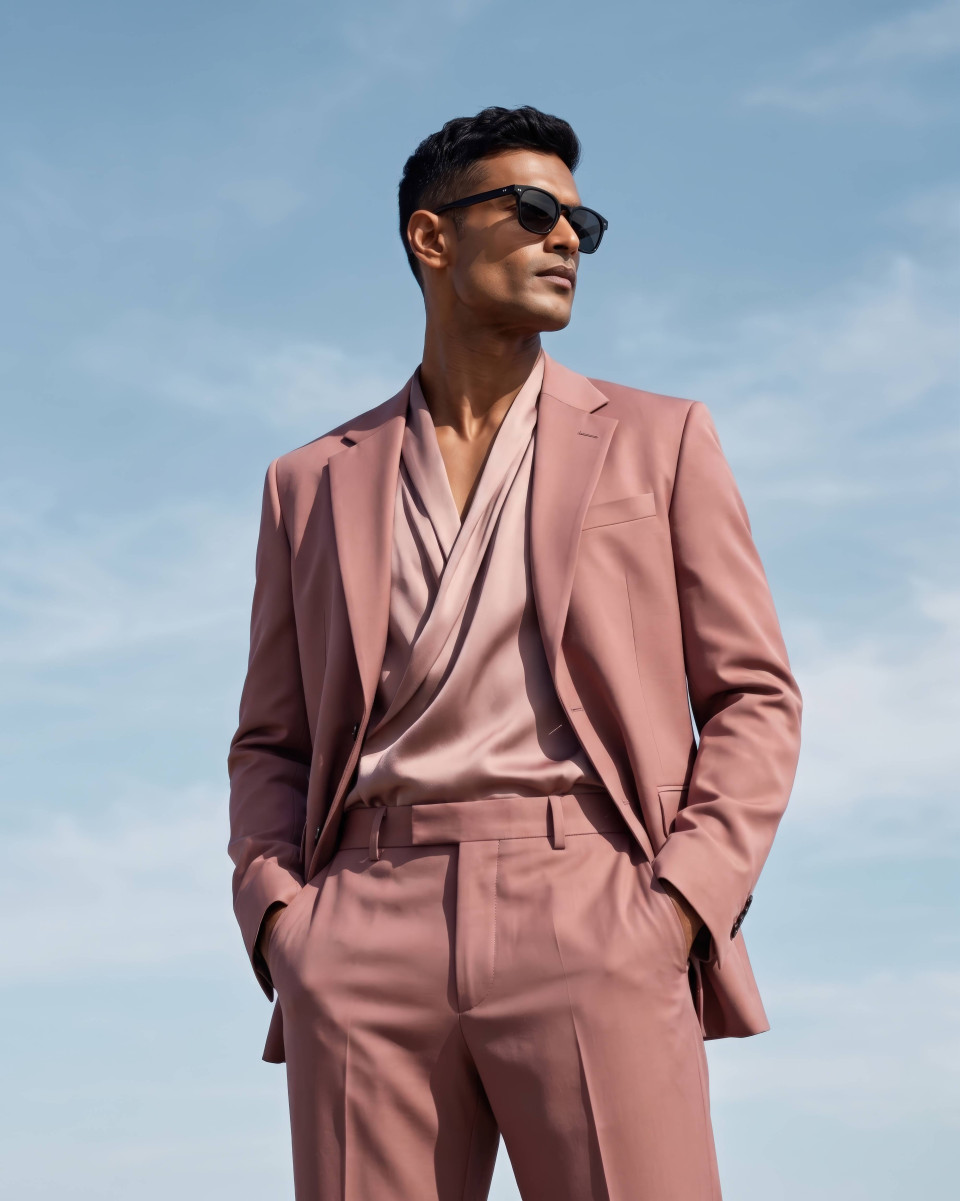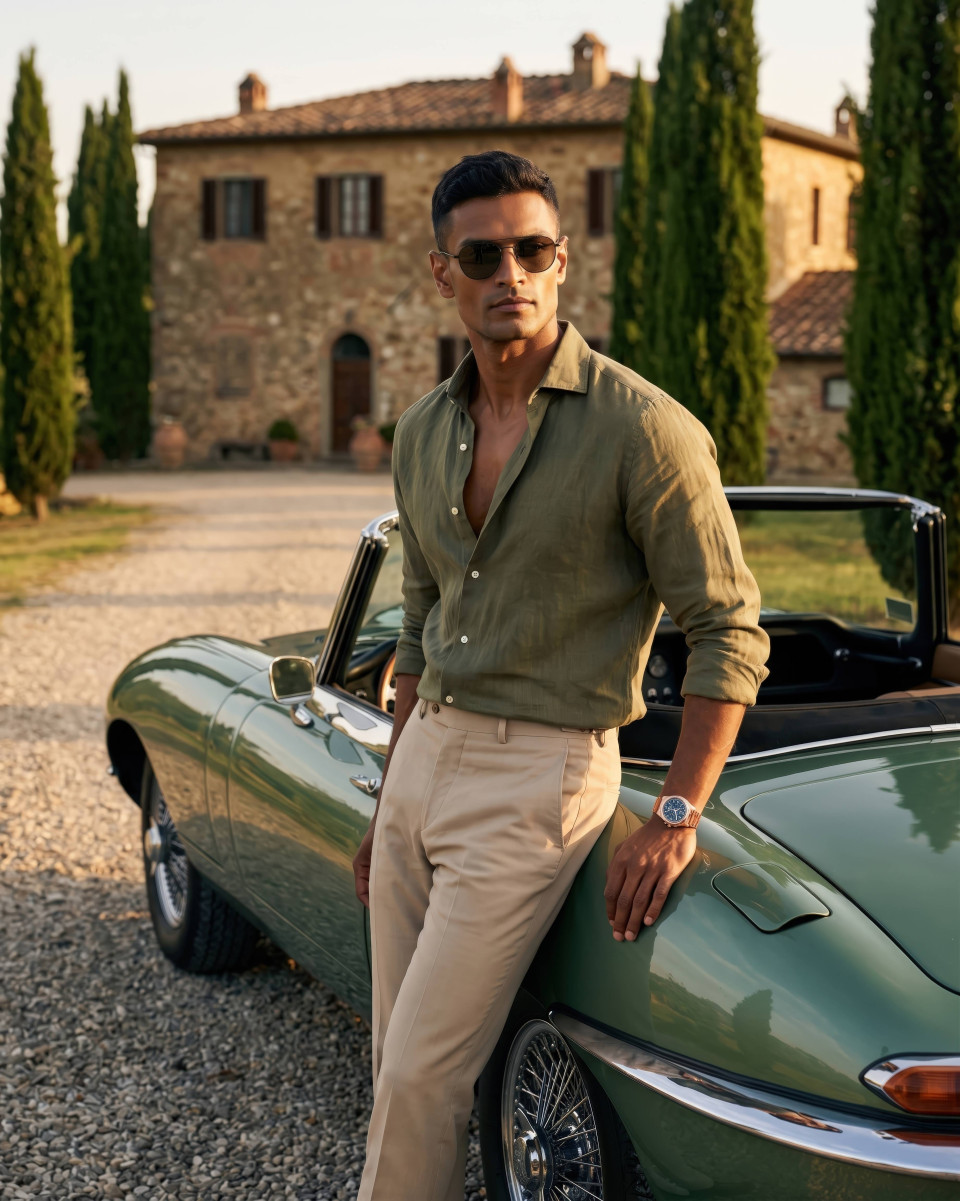
Fix Flat Portrait Lighting Google Gemini Prompt With Builder
Fix flat portrait lighting with a Google Gemini prompt builder add directional light and shadow modeling to create depth and professional portraits
Get Started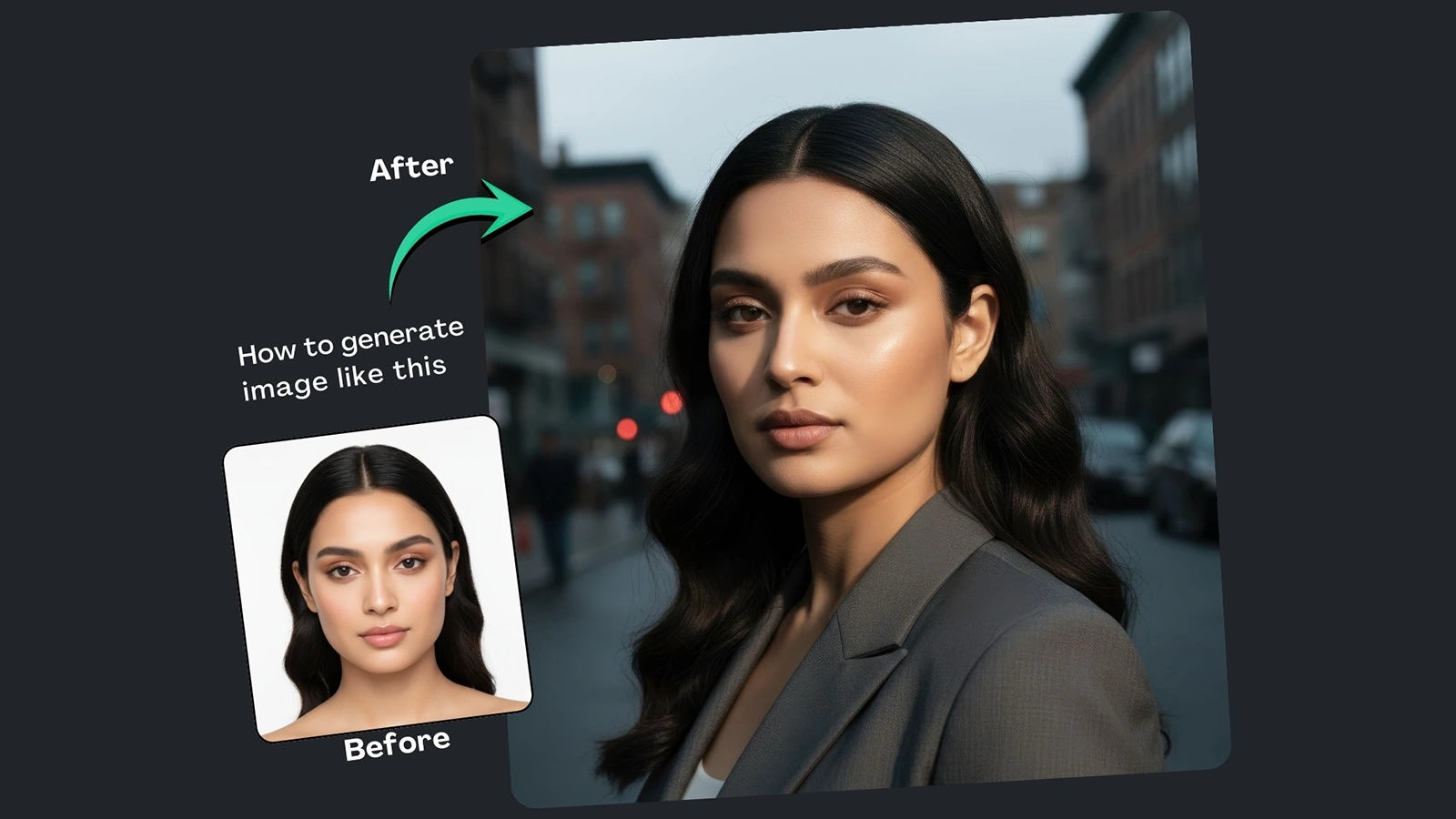
(9) Best Prompt Examples with AI Images


How It Works
Browse Prompts
Explore a wide collection of AI prompts curated by our experts. Find the perfect prompt that matches your vision.
Copy Prompts
Choose from ready-to-use AI prompts. Simply copy them with a click and get started without guesswork.
Create Stunning Design or Art
Paste the prompt into your favorite AI image generator (Midjourney, Google Gemini, ChatGPT Image, Stable Diffusion) and watch your ideas transform.
More Useful Examples for Fix Flat Portrait Lighting Google Gemini Prompt With Builder
Moody Actor Portrait with Sculpted Light
Luxury Entrepreneur Portrait with Editorial Lighting
Environmental Scientist Portrait in Natural Contrast
Fashion Designer Portrait with Studio Drama
Documentary Photographer Portrait with Hard Light
Chef Portrait with Firelight Ambience
Athlete Portrait with Stadium Lighting
Interior Designer Portrait with Window Contrast
Visual Artist Portrait with Gallery Lighting
Mountain Guide Portrait with Alpine Light
Editorial Architect Portrait with Structured Light
Cinematic Traveler Portrait with Window Light
Artisan Baker Portrait with Morning Light
Film Director Portrait with On-Set Lighting
Sculptor Portrait with Workshop Contrast
-
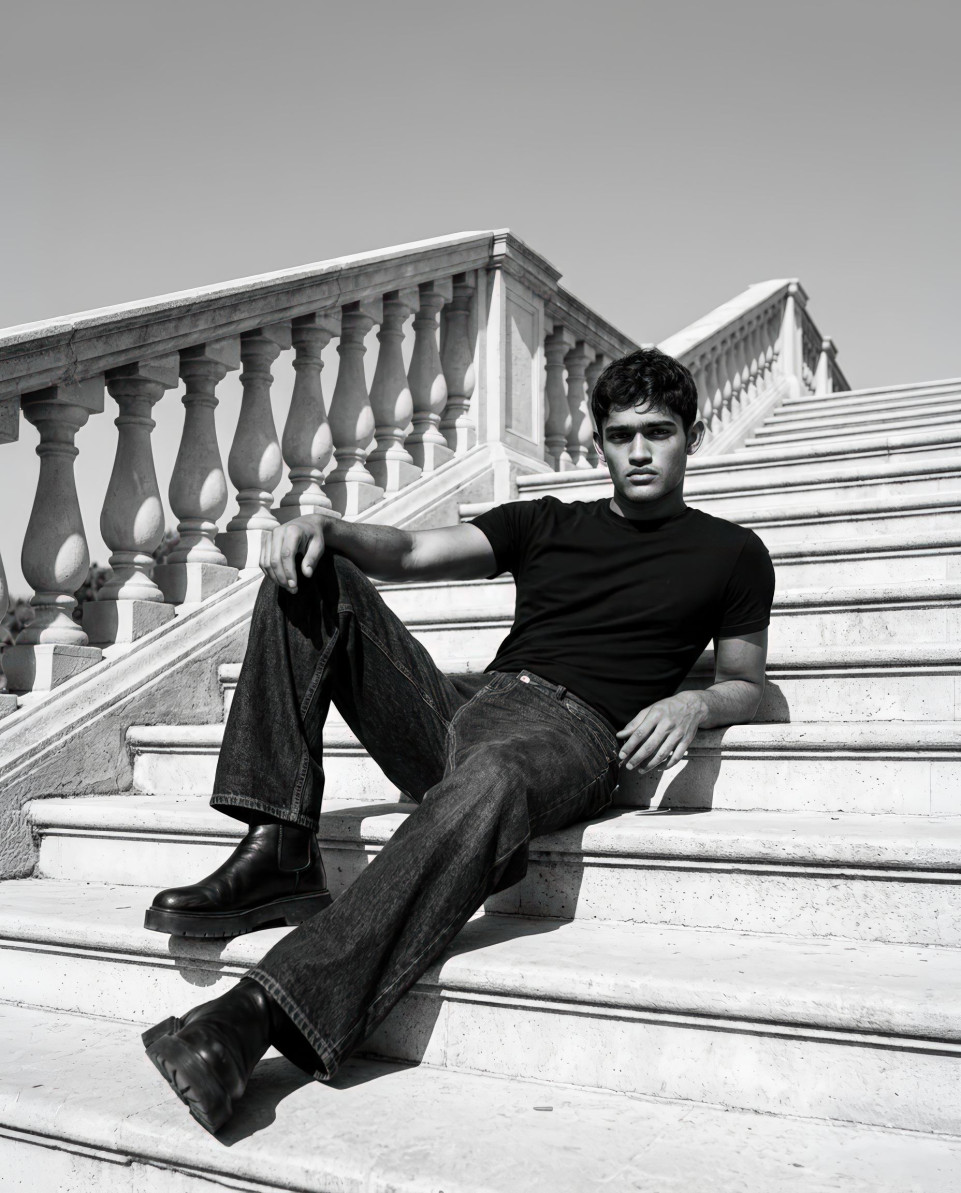
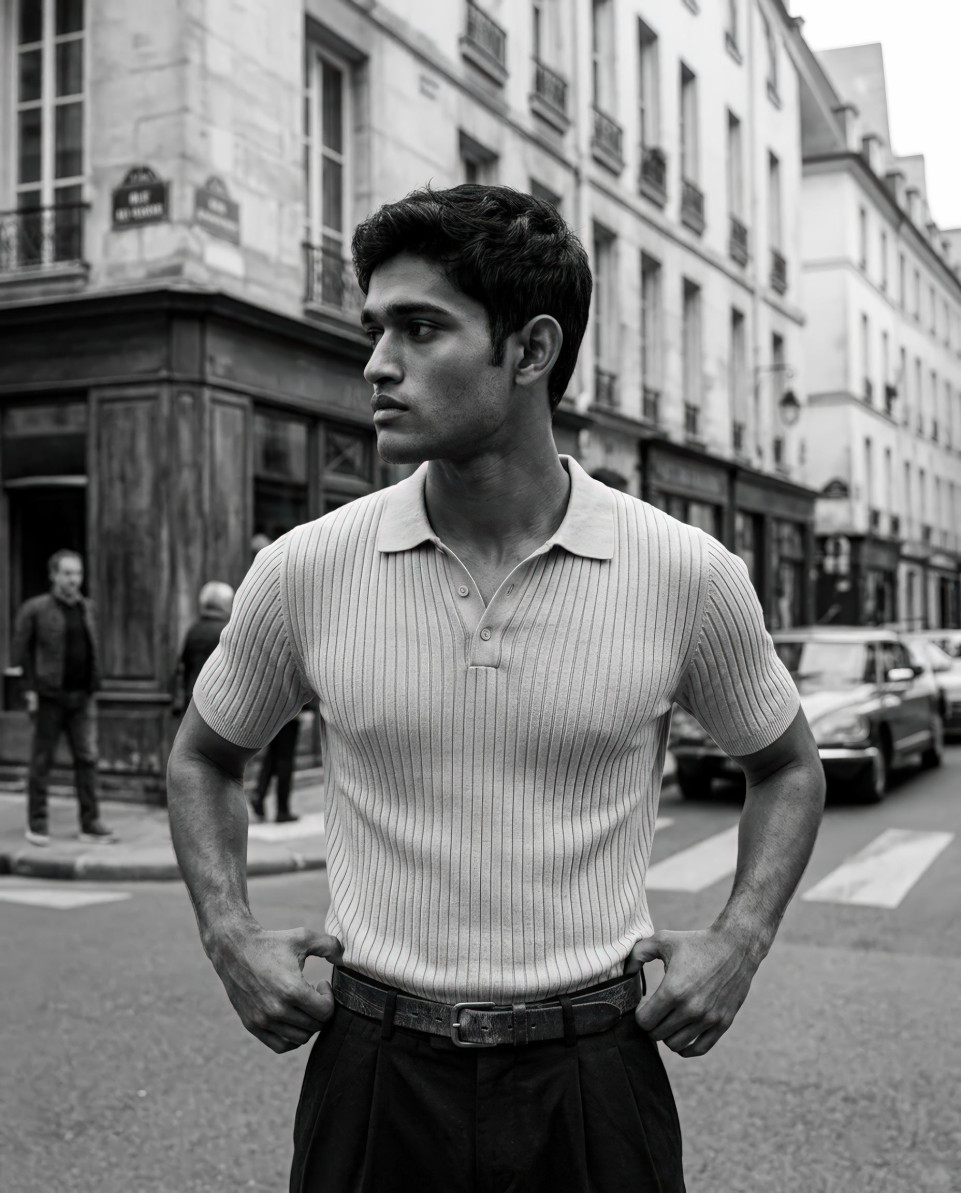
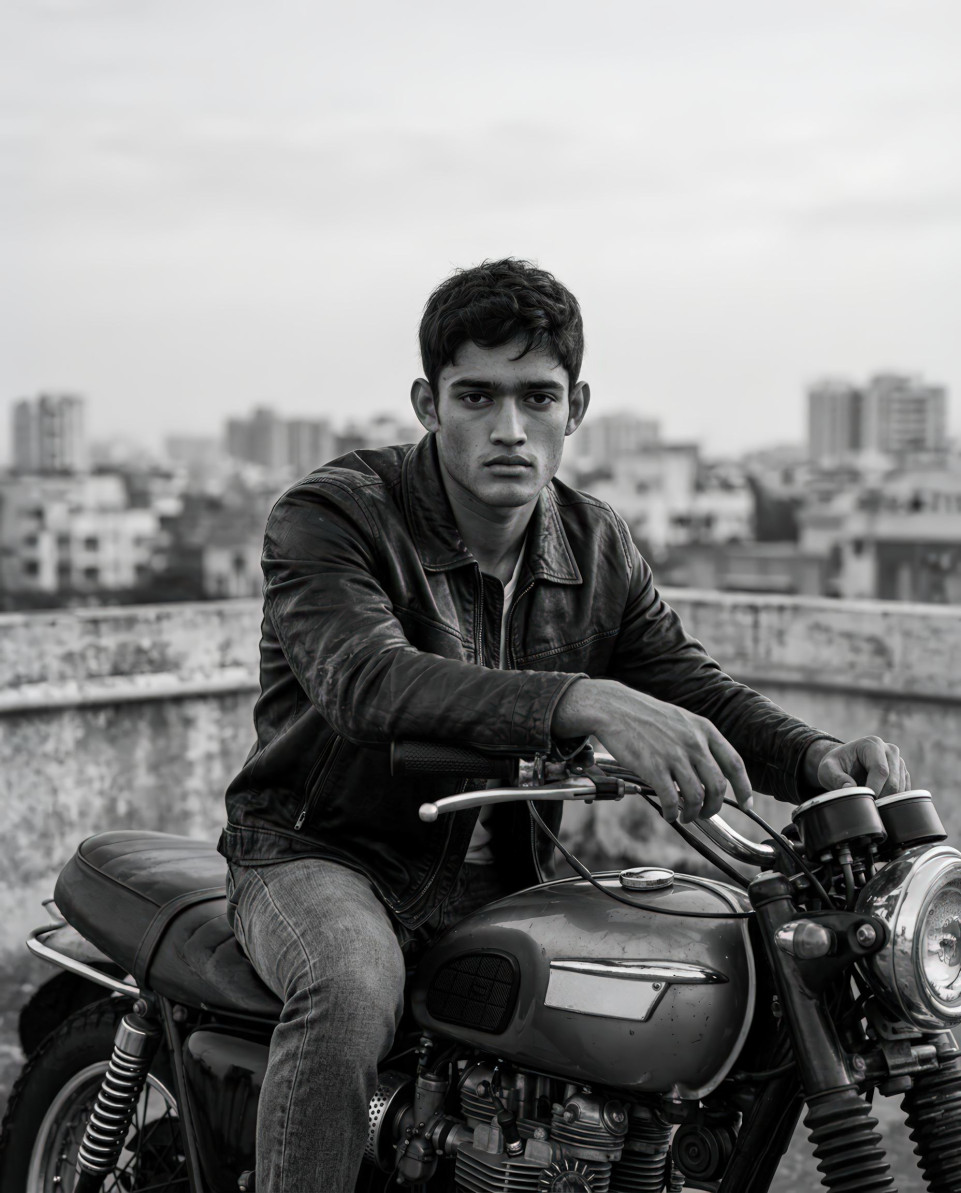
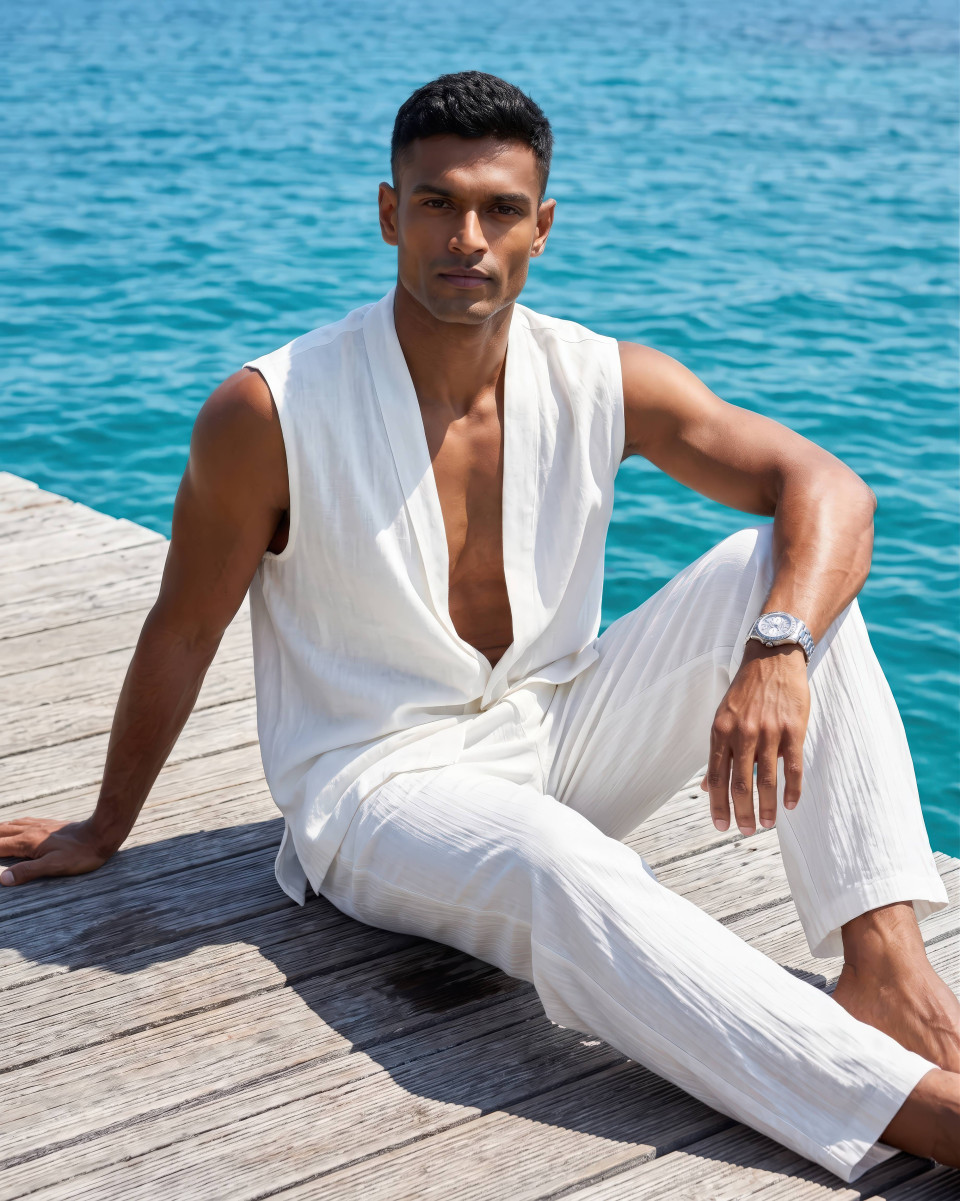
One of the most common issues in AI-generated portraits is flat, lifeless lighting. When light is evenly spread across the face, portraits lose depth, drama, and emotional impact. This is especially noticeable in professional headshots or lifestyle portraits where mood and dimension matter. The Fix Flat Portrait Lighting Google Gemini Prompt With Builder was created to solve this exact problem by introducing directional light and intentional shadow modeling. More than just a prompt, it also includes a built-in prompt builder that helps you fine-tune lighting choices with confidence.
Why Use This Prompt and Built-In Prompt Builder
Flat lighting happens when there’s no clear light direction, resulting in dull images with minimal facial contours. This prompt focuses on cinematic lighting techniques commonly used in professional photography, such as strong side lighting and controlled shadows.
The built-in prompt builder removes guesswork by guiding you through each key lighting decision. Instead of trial and error, you get a structured system that consistently produces dramatic, high-contrast portraits using Google Gemini. Whether you’re creating AI headshots, branding visuals, or editorial-style portraits, this prompt helps elevate your results instantly.
How to Use the Prompt (Placeholder Breakdown)
Each placeholder in the prompt plays a specific role in fixing flat lighting:
-
[Subject type] defines who is being photographed, such as a young professional or lifestyle model. This helps set the visual tone and context of the portrait.
-
[Lighting] is the most critical element. Strong side lighting from the left introduces directional light, carving out facial features and creating depth through shadows.
-
[Background style] adds visual separation. A dark gradient or softly lit interior enhances contrast and prevents the subject from blending into the background.
-
[Lens] simulates real camera optics. An 85mm portrait lens delivers flattering compression and natural facial proportions.
-
Shallow depth of field keeps focus on the subject while adding a cinematic, professional finish.
The prompt builder allows you to customize these elements quickly without technical overwhelm.
Final Thoughts
If your AI portraits feel flat or uninspiring, this lighting-focused prompt is the solution. By combining directional light, realistic lens choices, and a built-in prompt builder, it transforms dull images into cinematic portraits with depth and character. Try it out, share your results, and come back for more tools that make AI visuals truly stand out.
-